October 27, 2026
Requirement Document Template: 10 Picks for Fashion Teams
Compare 10 requirement document template options for PRDs and BRDs, with fit notes for fashion, beauty, jewelry, and home brand merchandising and design teams.
A requirement document template is a reusable file that records what a product, collection, or campaign must do, who approves it, and what counts as done. The right format depends on the decision it supports: a BRD for the business case, a PRD for product scope, or a structured checklist for a seasonal line.
A seasonal line review is coming up, and a buyer wants to know why colorways were cut. The approval note is buried in an old file. Design and merchandising are working from different versions. This roundup compares ten options and ranks each by how well it carries a decision across the handoff from merchandising to design to buyer, with notes on adapting it for seasonal collections, colorways, size runs, and account assortments.
Sprello is our product. Its role is the visual handoff: Canvas turns sketches, materials, and references into AI visuals and colorway views, and shareable assortment views help teams plan line architecture and buy decisions. It complements PLM and planning suites; it doesn't replace them. For help aligning app teams before development, start by naming the decision, its owner, and the evidence needed for approval.
Published October 27, 2026
1. Smartsheet Business Requirements Document Templates
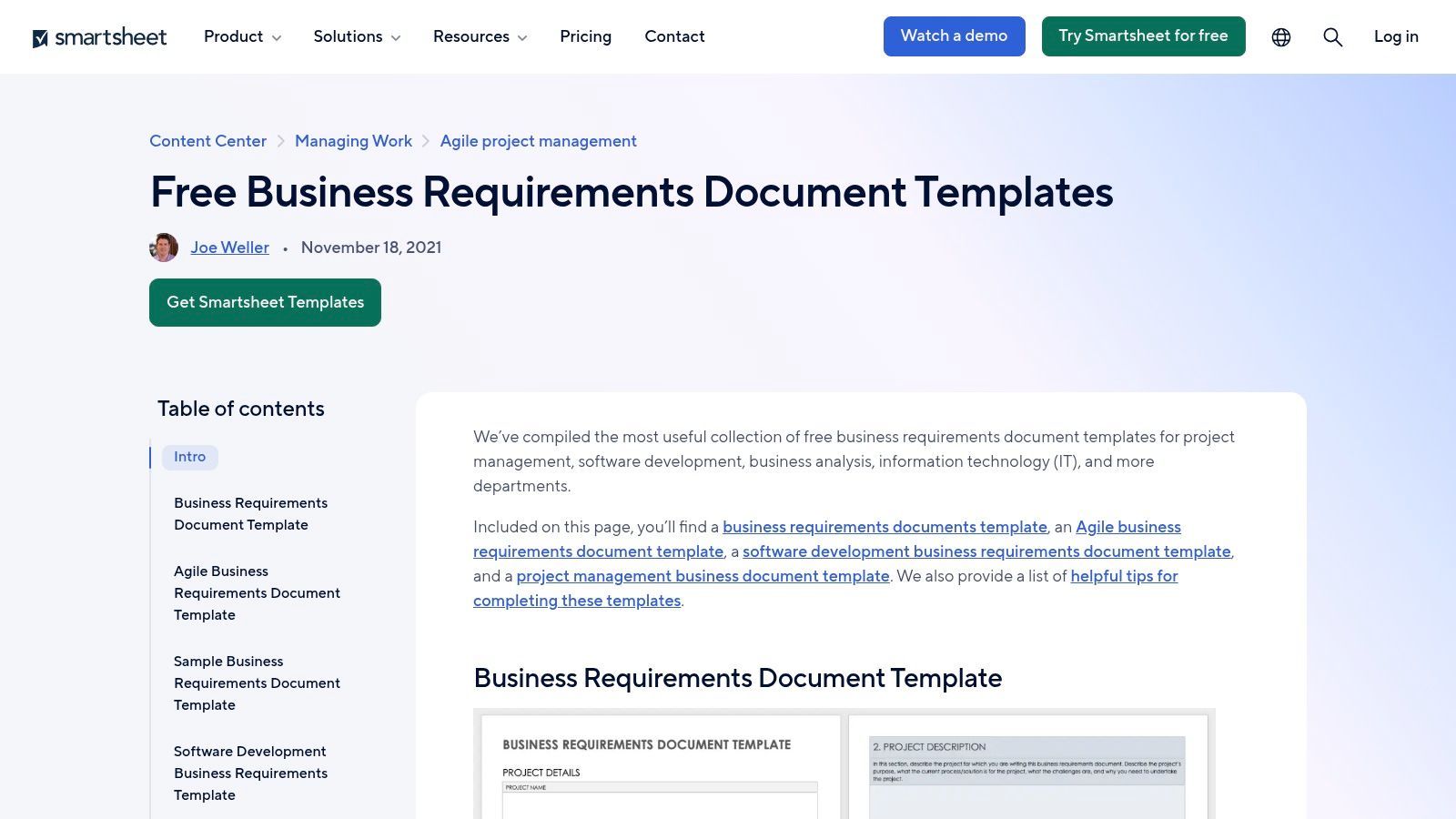
A BRD is a good starting point when the team still needs to agree on the business case, scope, and proposed process. Smartsheet's BRD templates offer several formats, including general business, Agile, software development, and technical options. Depending on the template, you can download files for Word, Excel, Google Docs, or Google Sheets.
The more useful versions include sections for scope, processes, functional requirements, resources, and assumptions. Some also prompt for technical, security, reporting, or process-flow details. Sample-filled documents can help a team turn a blank form into a reviewable draft.
Best for business alignment before detailing the line
For a collection, use the BRD to record the business objective, scope, constraints, and decision owners. Add fields for season, channel, region, SKU family, and key milestones before translating the agreed need into product or production requirements. Without that tailoring, an IT-focused sample can feel disconnected from a creative handoff.
The main trade-off is the file-based workflow. Teams need another process for version control, comments, and approvals, or they can end up reviewing conflicting copies. For practical prompts on the analyst's role, see Ekipa's insights on Agile business analysis.
2. Smartsheet Project Requirements Templates
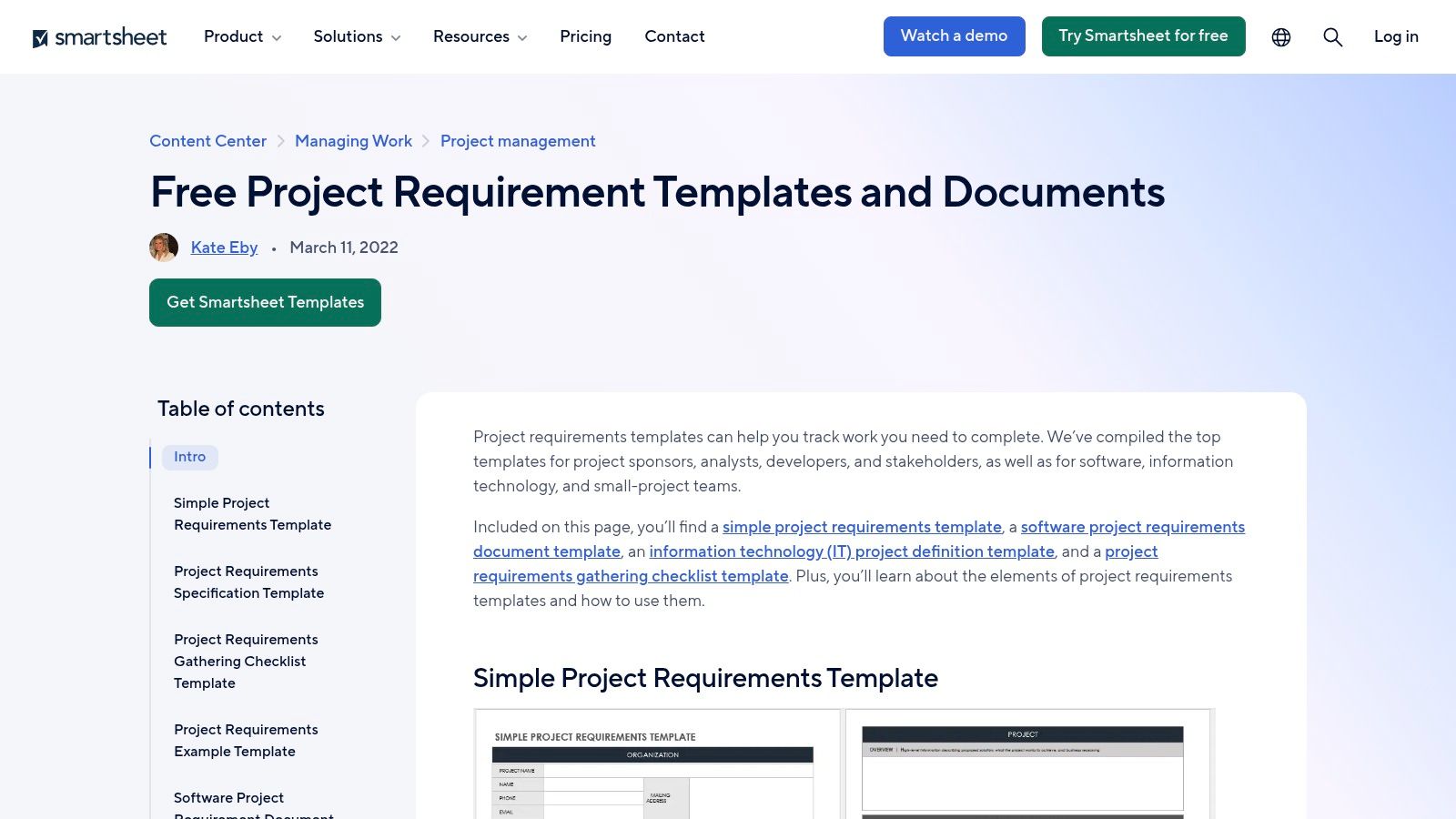
A project checklist works better than a business-case document when the team needs to gather decisions and track what remains unresolved. Smartsheet's project requirements templates include project requirements, requirements specifications, and requirements-gathering checklists. Depending on the file, fields can cover scope, schedule, milestones, resources, costs, risks, assumptions, and constraints.
Some checklist formats track priority, status, approval, and desired delivery date. That makes them useful for a cross-functional project lead who needs a clear record of what has been proposed, accepted, or left open.
Useful when the work crosses teams
Adapt the checklist to show the handoffs between merchandising, design, product development, and marketing. A single row might identify a seasonal colorway, the approving owner, the channel where it will appear, and the output needed before the next review. Keep the row tied to a requirement ID so changes don't disappear into meeting notes.
There are several templates to compare, and some technical options include fields that won't help with campaign or assortment work. Choose one version as the team's standard rather than letting every department select its own format. The checklist can help gather decisions, but it won't replace a clear definition of the business need.
3. Atlassian Confluence Product Requirements Document Template
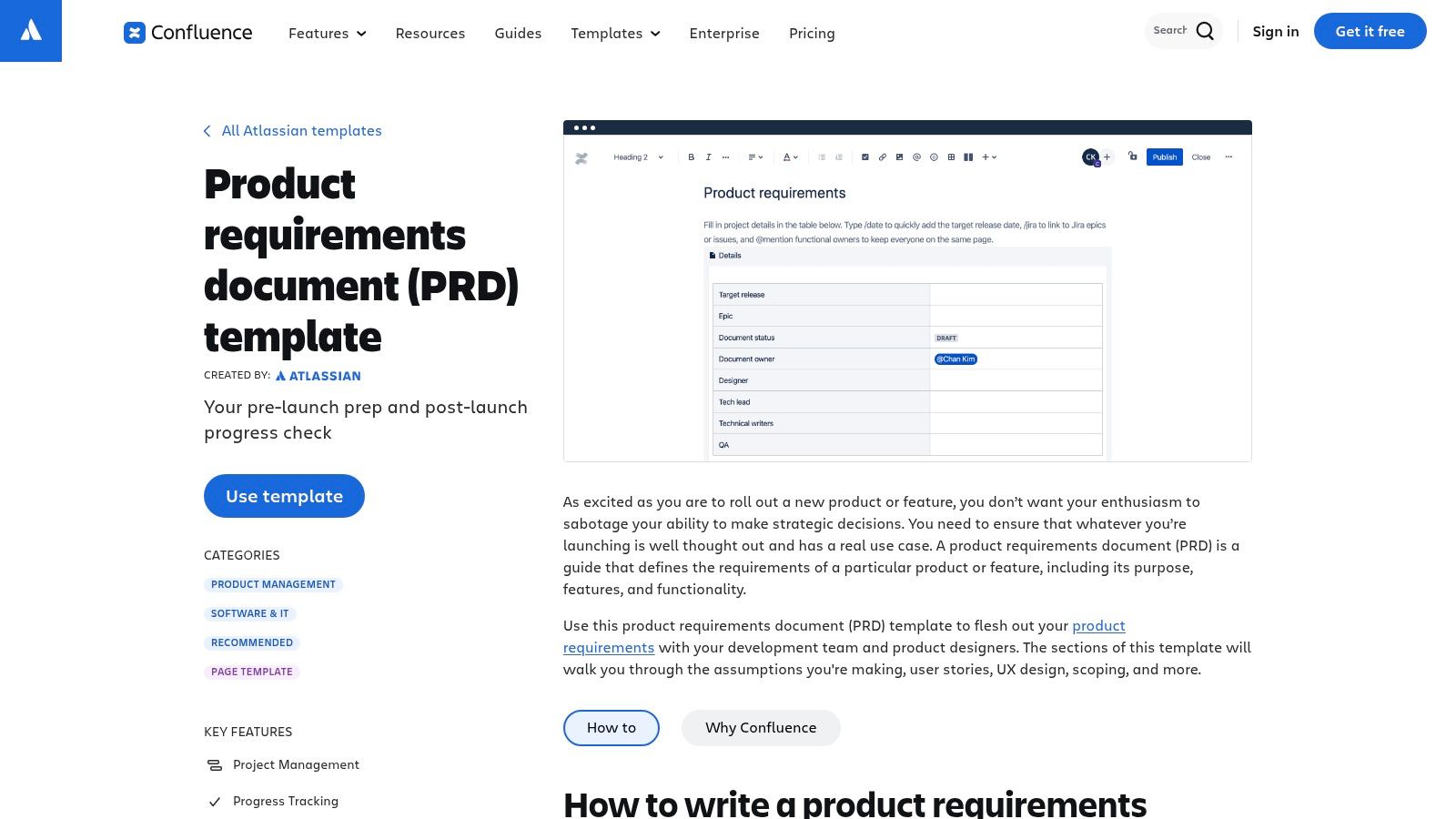
For teams already working in Confluence, Atlassian's PRD template keeps product context near delivery work. It prompts for project details, owners, status, target release, objectives, and success measures. A requirements table can capture user stories, importance, notes, and Jira references, with space for UX designs, mockups, and diagrams.
Best for an iterative product release
A living PRD suits product teams that revise scope as they learn. Jira references can connect a requirement to delivery work, so the decision doesn't sit in a separate file. Keep acceptance criteria and approval state visible on the requirement itself, rather than relying on a discussion thread to explain what “done” means.
The trade-off is that this setup is most useful when the team uses Confluence, and Jira links matter most to Jira users. The template is written for product development, not seasonal calendars or apparel specifications. Add fields for season, size run, channel, and regional variation if the PRD must guide a collection handoff.
4. Miro Product Requirements Document Template
Some requirements are easier to discuss as a workflow than as a long list. Miro's PRD template combines project context, objectives, use cases, functionality, assumptions, dependencies, and out-of-scope items on a shared visual canvas. Teams can place diagrams and design references beside the written requirements and invite stakeholders to review the same board.
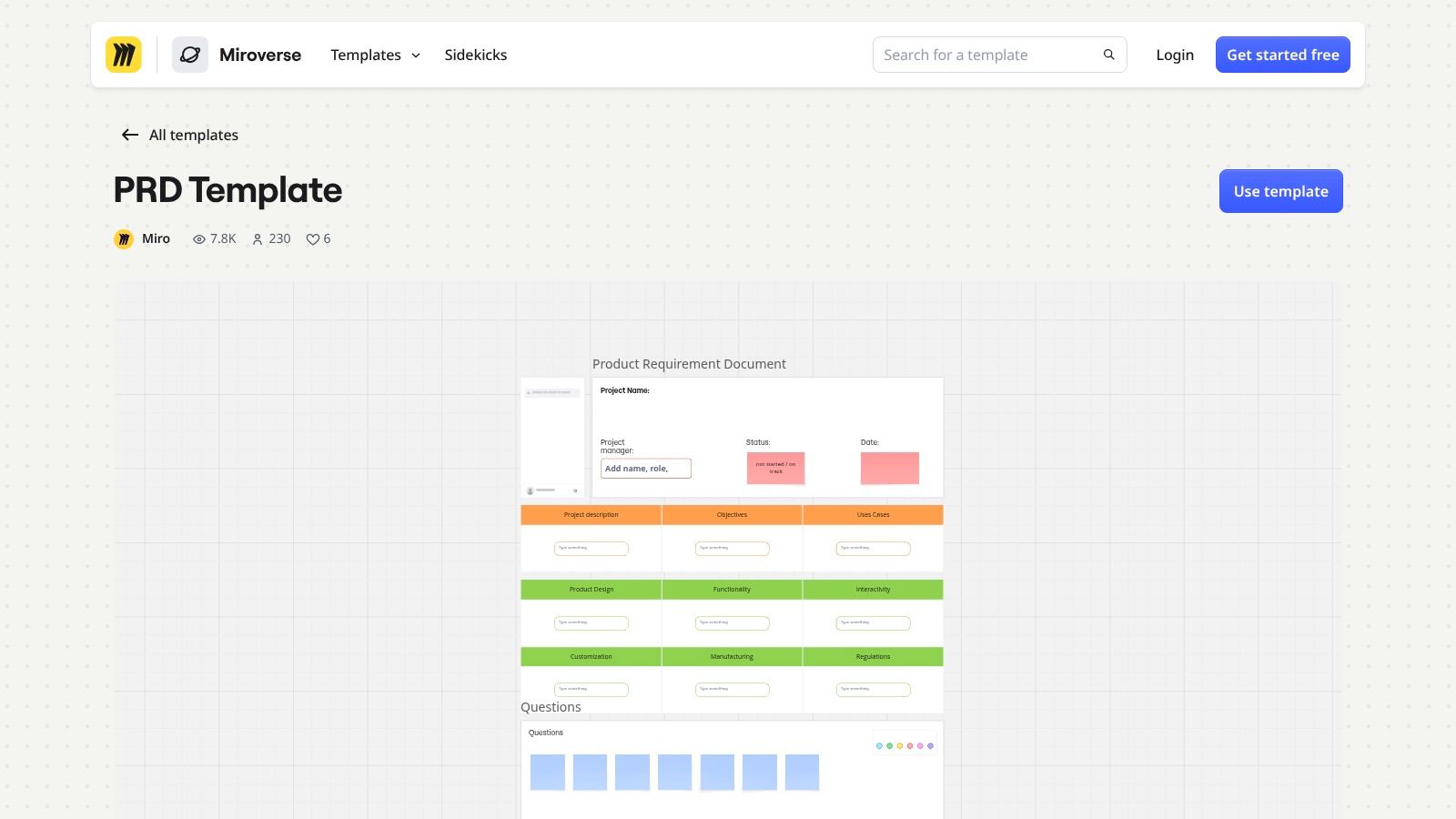
Best for discussing concepts and handoffs
A visual board can make it easier to follow how a product concept becomes a buyer-facing assortment. Use separate frames for the business need, design references, proposed colorways, and review decisions. For a structured approach to product concept development, keep the intended outcome distinct from the proposed visual direction.
The canvas is less convenient for a long specification or formal approval record. Large requirements sets also need conventions for IDs, ownership, status, and traceability. A diagram can clarify a handoff, but it shouldn't be the only place the acceptance criteria live.
5. Miro Software Requirements Document Template
When the requirement concerns system behavior rather than collection scope, Miro's software requirements document template provides a more technical starting point. It covers project purpose, context, scope, and specific requirements, with a collaborative canvas for diagrams and other visual material.
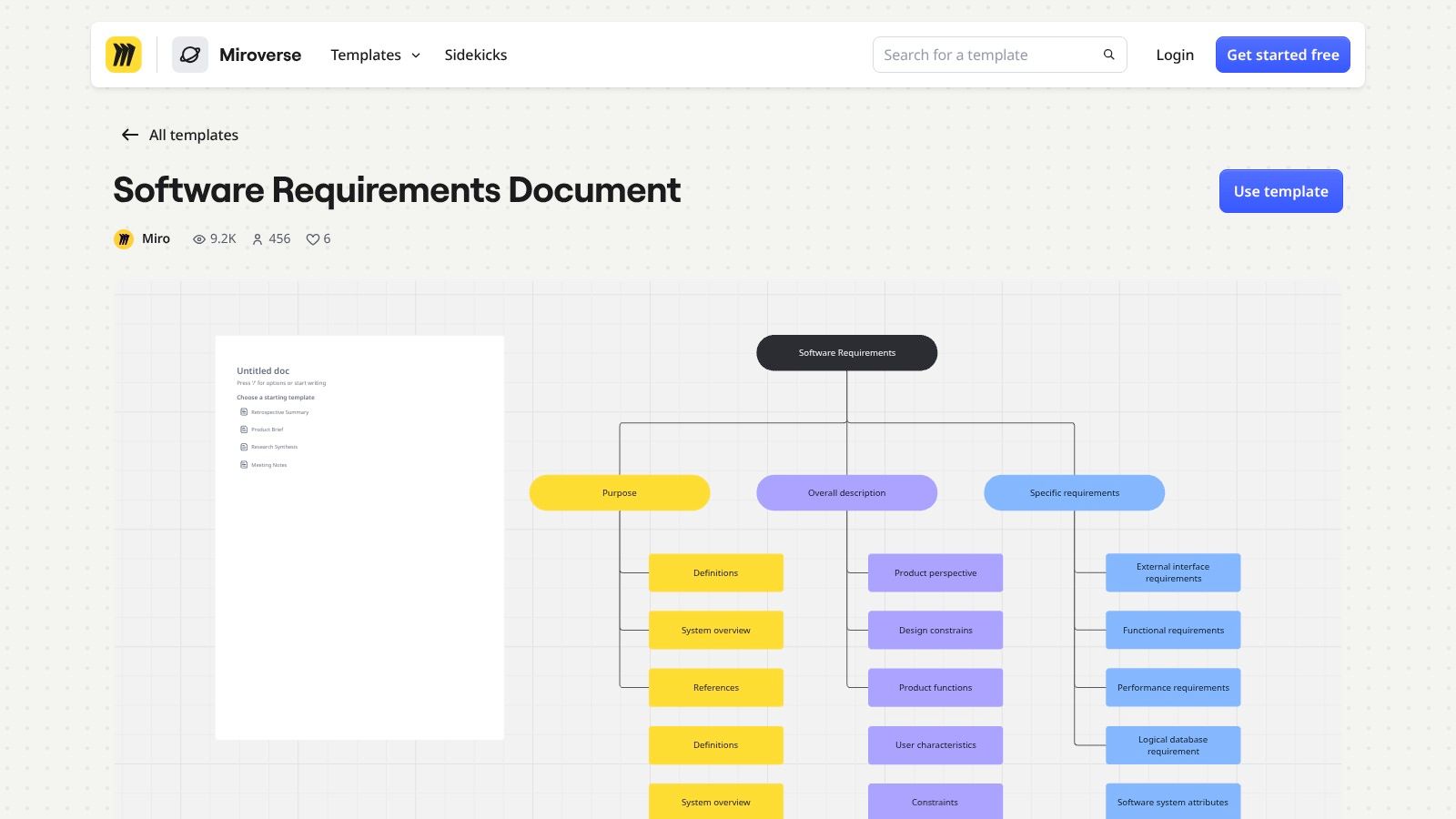
Use it for workflow or platform behavior
A software specification can help when a brand is defining how a workflow tool should handle approvals, inputs, or outputs. Separate business outcomes from implementation choices, then give every requirement a stable ID, owner, verification method, and acceptance criterion. That keeps system behavior testable without confusing the need with the design decision.
The software focus means merchandising and creative teams will need to edit heavily. Formal numbering and change control also require extra conventions or tools. Don't use a system-specification board as a substitute for a seasonal line brief.
6. Notion Product Requirements Document Template
If project documentation already lives in Notion, its Product Requirements Document template can keep the brief beside related pages and project information. The marketplace listing describes a lifecycle structure with a product brief, specifications, planning, implementation, and launch. It also offers format options and example content to adapt.
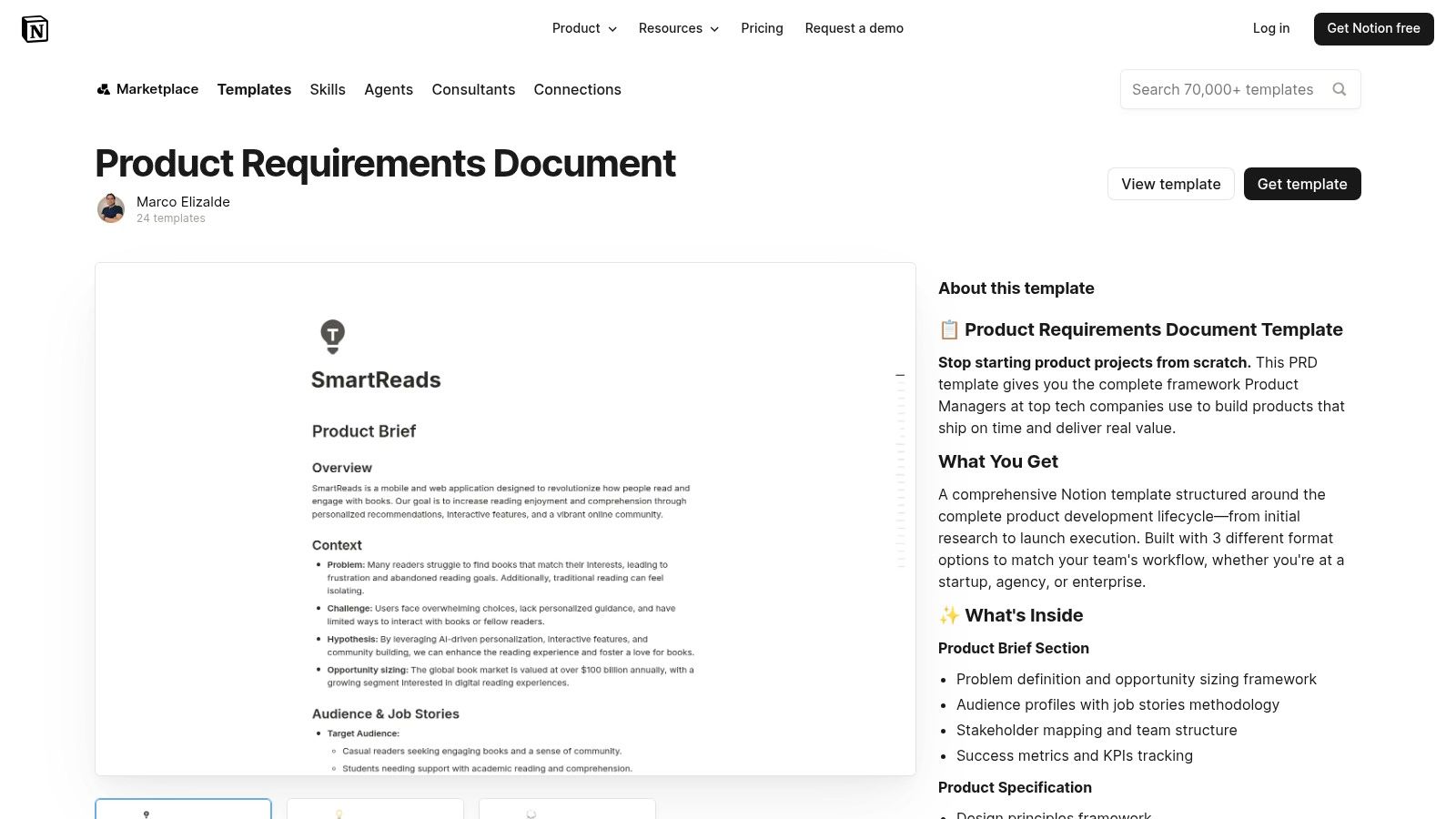
Best for a searchable project library
Notion works as a flexible home for product context, objectives, audience, stakeholders, and specifications. Teams can organize a collection brief alongside line-review notes, design references, and launch material. Establish a naming rule for seasons, channels, and collection groups so people can find the approved version.
The exact template contents and ongoing support depend on its creator. Requirement-level approvals, status tracking, and traceability may need to be built into the workspace. If the team needs a formal record of who approved a change and what evidence supported it, set up those fields before making the template the shared source of truth.
7. monday.com Free PRD Template
A useful PRD starts with the problem and the audience, not a feature list. monday.com's PRD template prompts teams to document the opportunity, target audience, supporting evidence, and hypothesis. It's offered as a downloadable starting point and may suit teams that already use monday.com to manage project work.
Start with the need, then add collection controls
For a product or campaign brief, write down the customer or business problem first. Then add the specific collection details the template doesn't naturally foreground: season, colorway, size run, account, channel, and approval owner. That gives the team a shared reason for the work before it debates execution.
A downloaded document is easy to start with, but it may not support ongoing collaboration as well as a shared board. The template's product-development focus can also leave campaign and assortment requirements out. Add explicit exclusions so teams can distinguish what belongs in the current release or season from a later request.
8. Coda Product Requirements Doc
Coda's Product Requirements Doc in its project-management gallery combines narrative context with structured tables. Teams can copy and adapt the document, then connect it to roadmaps, tasks, and other planning material in the same project hub.
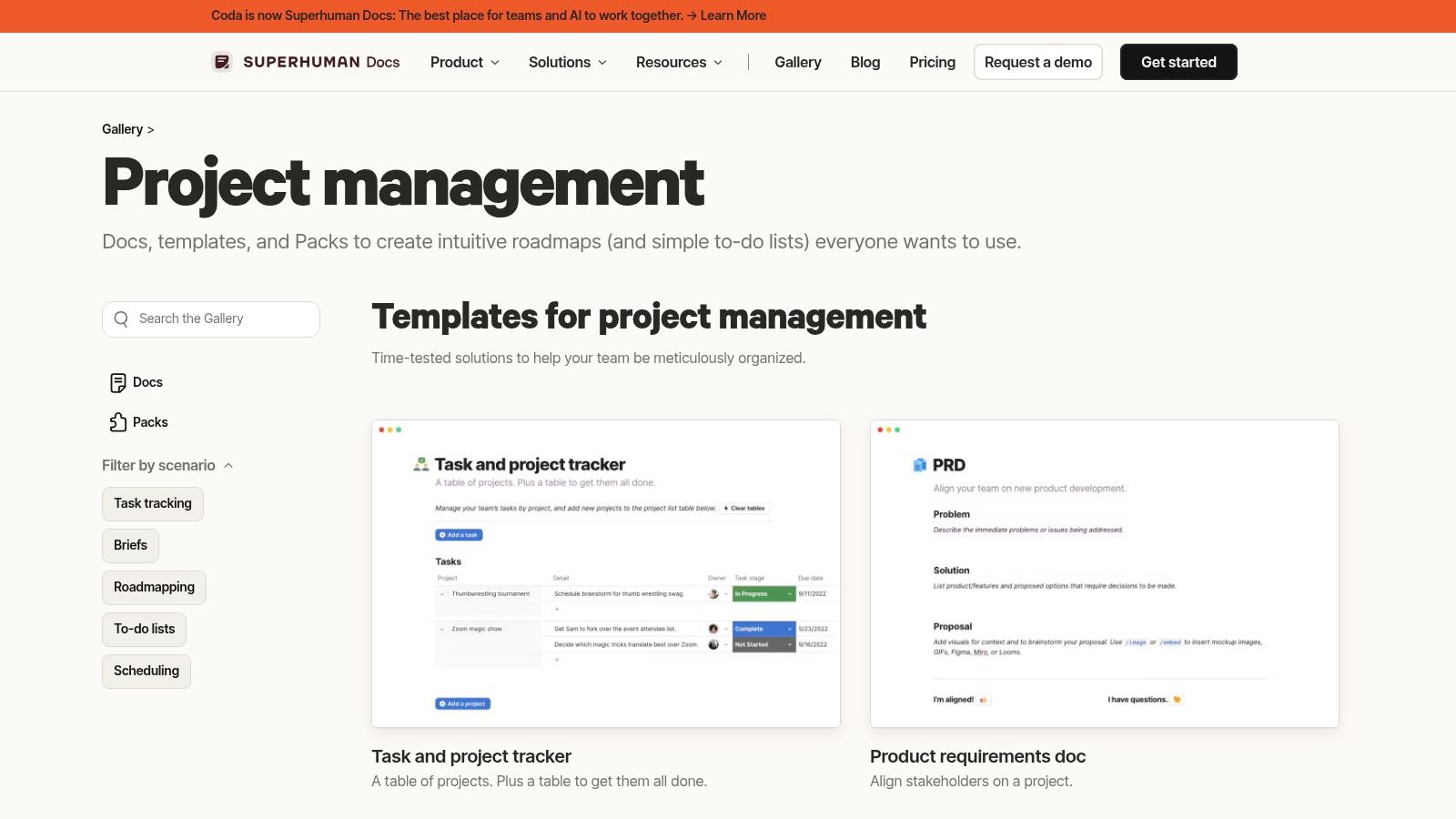
Best when the requirement needs its surrounding context
A collection decision rarely stands alone. A shared Coda document can place the requirement beside the roadmap, project tasks, and supporting context. Use separate structured fields for the requirement, its rationale, its owner, its approval state, and its evidence. For a useful distinction between product and concept, make sure the stated need doesn't get lost among early creative ideas.
The trade-off is setup. A Coda project hub can become useful as the team defines how it works, but a simple Word or Google Docs download may suit a group that only needs a signed brief. Don't add interactivity unless someone owns its upkeep.
9. Figma Product Requirements Document Guide and Template
Figma's PRD guide and template helps teams choose what kind of requirement document they need. It explains how product requirements relate to broader business requirements and functional specifications, and offers guidance on purpose, features, and scope.
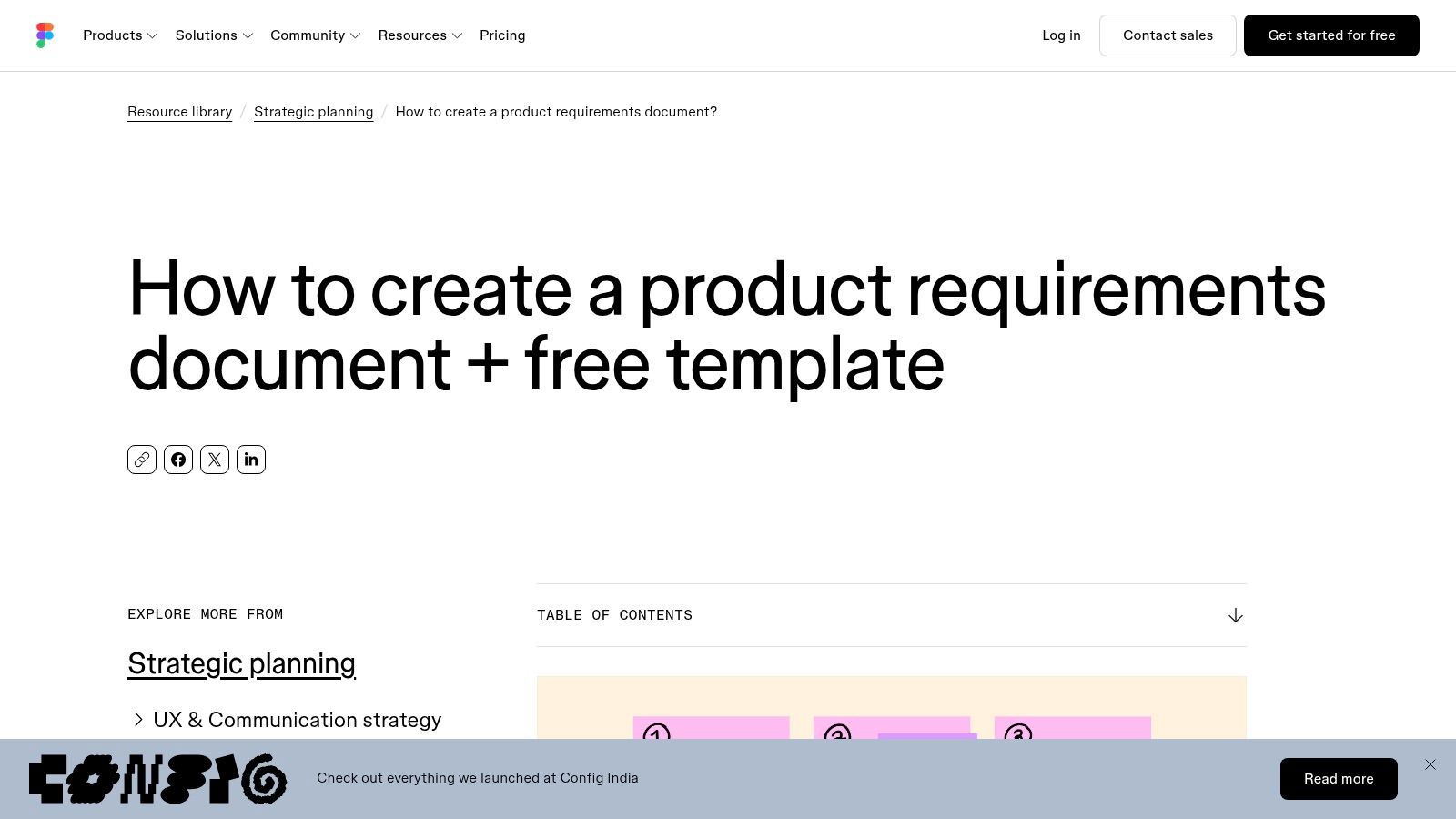
Best for teams moving between design and product
The guide is useful when designers and product leads need to agree whether they're documenting the business need, the product scope, or detailed behavior. That distinction matters in a collection review: “offer a coordinated accessory assortment” is an outcome, while the specific visual route is a design proposal. Keep both in the document, but don't mistake one for the other.
The resource is general product-development guidance, not a retail operations template. Check the linked template's current format and access requirements, then add the fields needed for seasonal variants and account-specific assortments. It's a starting point, not a ready-made apparel brief.
10. NASA Langley Sample Requirements Document Template
For teams that need precise, testable statements, NASA Langley's sample requirements document template offers a formal engineering reference. It sits alongside requirements-development procedures, checklists, and writing guidance, with an emphasis on clarity, completeness, consistency, traceability, and verifiability.
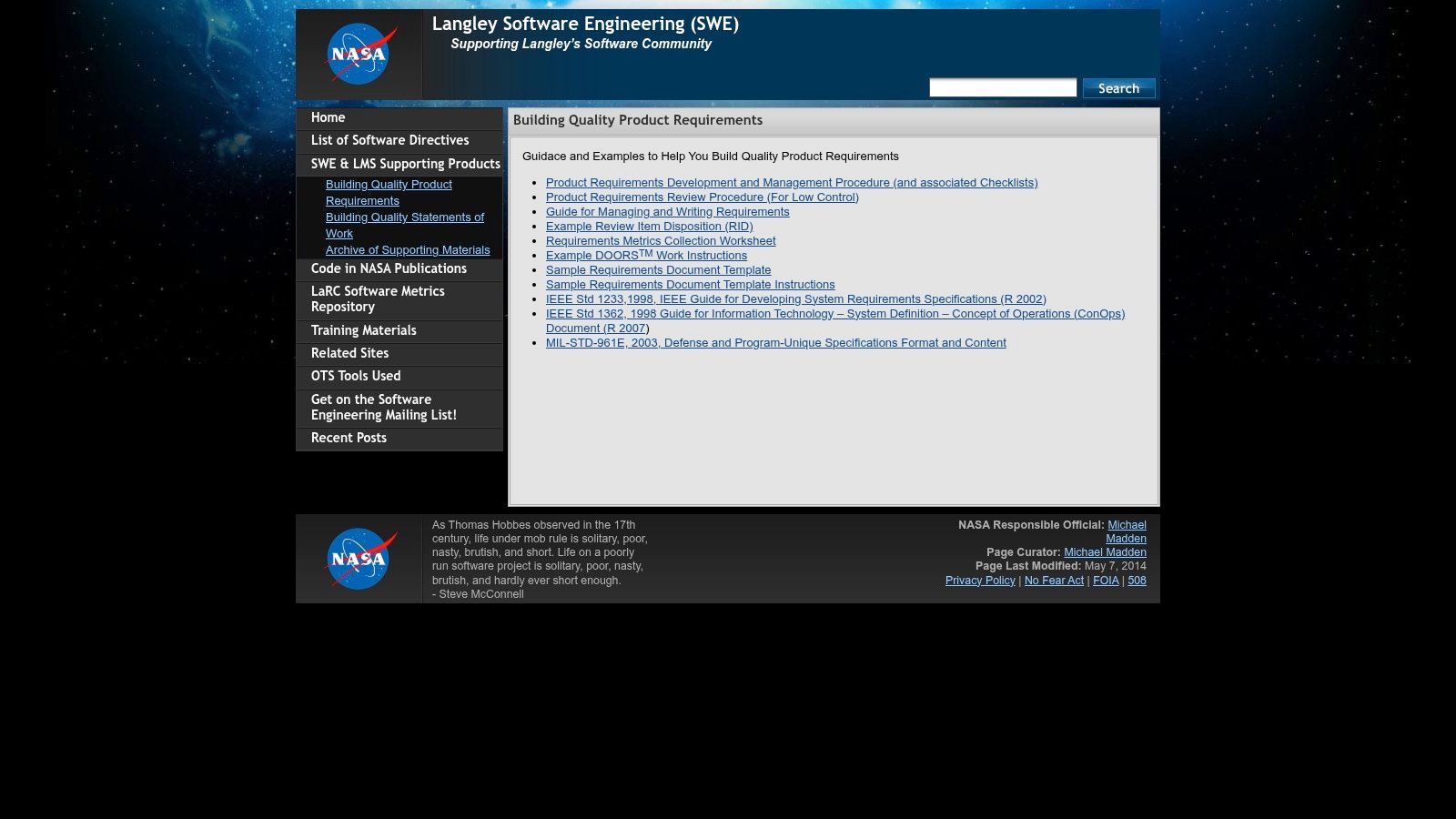
Best for rigorous review, not everyday line planning
The strength of a formal template is its focus on requirements that can be reviewed and tested. That discipline helps when a product or workflow needs clear assumptions, rationale, traceability, and verification. Use it as a writing reference, then adapt the format for a commercial brand's approvals and seasonal handoffs. A practical sample design brief also needs to make the creative decision and its owner clear.
The engineering context can feel too formal for campaign or merchandising work. Keep the rigor of the requirement statements, but don't carry over sections the team won't maintain. A template that nobody completes is less useful than a shorter one with clear ownership and acceptance criteria.
Document type, best-fit team, and collaboration model for each template, with a separate Sprello row showing where visual concepting and buyer assortments fit in the handoff
Use the table as a handoff map. The right row is the one that carries the decision from merchandising into design and, where needed, into buyer review without forcing the team to maintain a heavier document than the decision requires.
| Item | Document type | Best for | Formats or platform | Collaboration model |
|---|---|---|---|---|
| Smartsheet, Business Requirements Document Templates | Business requirements document templates | Teams seeking a conventional BRD in familiar file formats | Word, Excel, Google Docs, or Google Sheets, depending on template | Downloadable files; collaboration and version control use other tools |
| Smartsheet, Project Requirements Templates | Project requirements templates and checklists | Project leads and analysts documenting needs, decisions, and approvals | Word, Excel, PDF, or Google-compatible files | Downloadable templates; collaboration depends on other tools |
| Atlassian Confluence, Product Requirements Document Template | Product requirements document | Product teams connecting requirements with delivery work | Confluence, with Jira references | Collaborative living document linked to Jira work items |
| Miro, Product Requirements Document Template | Product requirements document | Cross-functional teams discussing requirements visually | Miro visual board | Shared workspace for team and stakeholder input |
| Miro, Software Requirements Document Template | Software requirements document | Teams defining software scope, workflows, and specifications | Miro visual board | Collaborative canvas with diagrams and visual materials |
| Notion, Product Requirements Document Template | Product requirements document | Teams organizing product documents in a knowledge base | Notion pages and databases | Shared, adaptable workspace alongside related project information |
| monday.com, Free PRD Template | Product requirements document | Teams framing product work around problems, audiences, and evidence | Downloadable template; monday.com for project tracking | Downloadable starting point; shared-board collaboration is an option |
| Coda, Product Requirements Doc | Product requirements document | Teams building a project hub with requirements and planning materials | Coda document with narrative and tables | Shared, interactive document |
| Figma, Product Requirements Document Guide and Template | PRD guide and template | Product and design teams choosing and shaping requirements documents | Figma resource with a linked template | Resource and template; collaboration details depend on the linked template |
| NASA Langley, Sample Requirements Document Template | Engineering requirements document template and instructions | Teams needing precise, testable, traceable requirements | NASA Langley software engineering resources | Formal review reference; day-to-day collaboration sits outside the file |
| Sprello | Visual workflow canvas and seasonal production dossiers | Fashion, beauty, and lifestyle teams carrying visual decisions into assortment review | Sprello canvas, shared product catalog, line review, wholesale line sheets, and buyer assortments | Works alongside PLM and planning suites for the visual handoff across SKUs, accounts, channels, regions, and seasons |
The practical split is ownership. Keep the binding requirement, approval, and change record in the template system the team already trusts. Put the visual span of the decision in Sprello when colorways, size runs, regional variations, or account-specific assortments need to be seen before buyers commit.
Pick the Smallest Template That Holds the Decision
Start with the decision the document has to carry. A business case needs a BRD. A product release needs a PRD. A system handoff may need a software requirements specification. A seasonal line may need a structured checklist tied to the line plan. Pick the lightest format that still records the need, the owner, the approval, and the change history.
Extra fields nobody reads only slow down the people signing off.
Then tailor the fields to the way your team hands work over. Add season and milestone fields when timing drives the decision. Add colorway and size-run detail when the decision changes by variant. Add account and channel fields when buyers need separate assortments. For a multi-region launch, name the region and the person who approves its variation.
Keep each requirement testable. "The campaign should feel premium" leaves the team guessing. A workable version names the audience, the output, and the review criteria: hero imagery for the fall capsule, matching the approved colorway palette, signed off by the wholesale lead before line review. Separate the business outcome from the proposed design or production method. Give each requirement a stable ID and connect it to its source, owner, acceptance criteria, and evidence.
Traceability shouldn't live only in prose. A shared register can link a requirement to the deliverable, the verification method, and the approval record. Keep the main brief readable, and put the detailed working information in structured fields or linked records. Reviewers get enough context, and the seasonal document stays manageable instead of swelling into a full specification.
For AI-assisted work, the template also needs lifecycle controls. Record the intended use, input rights, quality thresholds, the human review gate, and what triggers reapproval when the model or prompt changes. A requirement for brand-consistent imagery is not ready for production until the team knows which references to use, what counts as acceptable variation, and who signs off.
Sprello is our product, and it covers the visual and buyer-assortment handoff. Canvas turns sketches, CADs, materials, and references into photoreal visuals and colorways using saved workflows, then connects those visuals to a shared product catalog, line review, wholesale line sheets, and separate buyer assortments per account or channel. It works alongside PLM and planning suites rather than in place of them. When a workflow needs documented controls, the security and compliance requirements for MVPs example shows what acceptance evidence looks like on the page. To see how Sprello fits your handoffs, book a demo at sprello.ai.
Frequently Asked Questions
What should a requirement document template include?
Include the requirement's ID, source, rationale, owner, priority, acceptance criteria, dependencies, approval state, and change history. Add fields for season, colorway, size run, channel, region, or account when they affect the decision. A reviewer should be able to trace one requirement from request to sign-off without a separate meeting.
What's the difference between a BRD and a PRD?
A BRD records the business need, objectives, and scope. A PRD describes the product scope and user needs the team will deliver. For a seasonal collection, the BRD justifies the assortment decision while the PRD defines what gets built to support it. Both should make requirements clear enough to review and verify.
How do you make collection requirements testable?
Write one need at a time, identify who approves it, and state what evidence will show it's complete. Replace subjective terms with observable criteria. "Every colorway in the assortment appears on the wholesale line sheet" can be checked; "looks premium" cannot. Capture variants such as colorway, size run, channel, and account so the reviewer knows exactly which combination is being verified.
Can Sprello replace a PLM system?
No. Sprello complements PLM and planning suites rather than replacing them. Your PLM keeps the product data. Sprello covers the visual and buyer-assortment handoff that sits around it, so the two systems work side by side.
How is Sprello sold?
Sprello is sold through a demo. It is built for fashion, beauty, and lifestyle brands. You can book one at sprello.ai to see how it fits your visual and buyer-assortment handoffs.
Sprello connects AI product visuals to a shared product catalog, line review, wholesale line sheets, and buyer-specific assortments. It complements your PLM and planning suites, giving merchandising, design, and product development teams a clearer visual handoff. Book a demo with Sprello to see whether it fits your collection workflow.
Related
More to explore
Fresh reads

Analogous Color Scheme: How to Build One for Fashion
An analogous color scheme uses three to five neighboring hues in a 30 to 60 degree arc. Learn to build, test and apply one across SKUs and channels.
Sapphire Blue Color: Hex, RGB and Palette Pairings
Sapphire blue color is #0F52BA, or RGB 15, 82, 186. Learn how to define it, pair it in palettes and specify it for fashion, beauty and home campaigns.
Oxblood vs Burgundy: Color Differences and Use Cases
Oxblood vs burgundy explained with hex values, undertones, and material behavior. See which shade fits fashion, packaging, and campaign work.