
Planning content without a structured template is like trying to build furniture without instructions. You might get there eventually, but the process will be chaotic, inefficient, and the final product will likely be wobbly. A great content planning template transforms your strategy from a collection of scattered ideas into an actionable, predictable engine for growth.
It provides a single source of truth for your team, ensuring everyone knows what’s being published, when, and on which channel. This clarity eliminates last-minute scrambles and allows you to focus on creating high-quality content that truly connects with your audience. The right template helps you visualize your entire content calendar, track production stages, and measure performance effectively.
But with countless options available, how do you choose the right one? A flexible database in Notion is very different from a visual calendar in CoSchedule, and a simple spreadsheet from Etsy serves a different purpose than a robust project management system like Asana. Finding the perfect fit is crucial for consistency and efficiency.
In this comprehensive guide, we'll walk you through 12 of the best platforms and marketplaces for finding a content planning template that works for you. We'll break down the ideal use cases, strengths, and limitations for each resource, complete with screenshots and direct links. Our goal is to help you find the perfect system to organize your ideas, streamline your workflow, and start creating content with confidence and clarity. Let's find the template that will become your secret weapon.
1. Notion
Notion offers a powerful, database-driven approach to content planning that goes far beyond traditional spreadsheets. Its official template gallery provides a collection of free, community-vetted content calendar templates that you can duplicate into your own workspace with a single click. This makes it an excellent starting point for anyone looking for a highly adaptable content planning template.
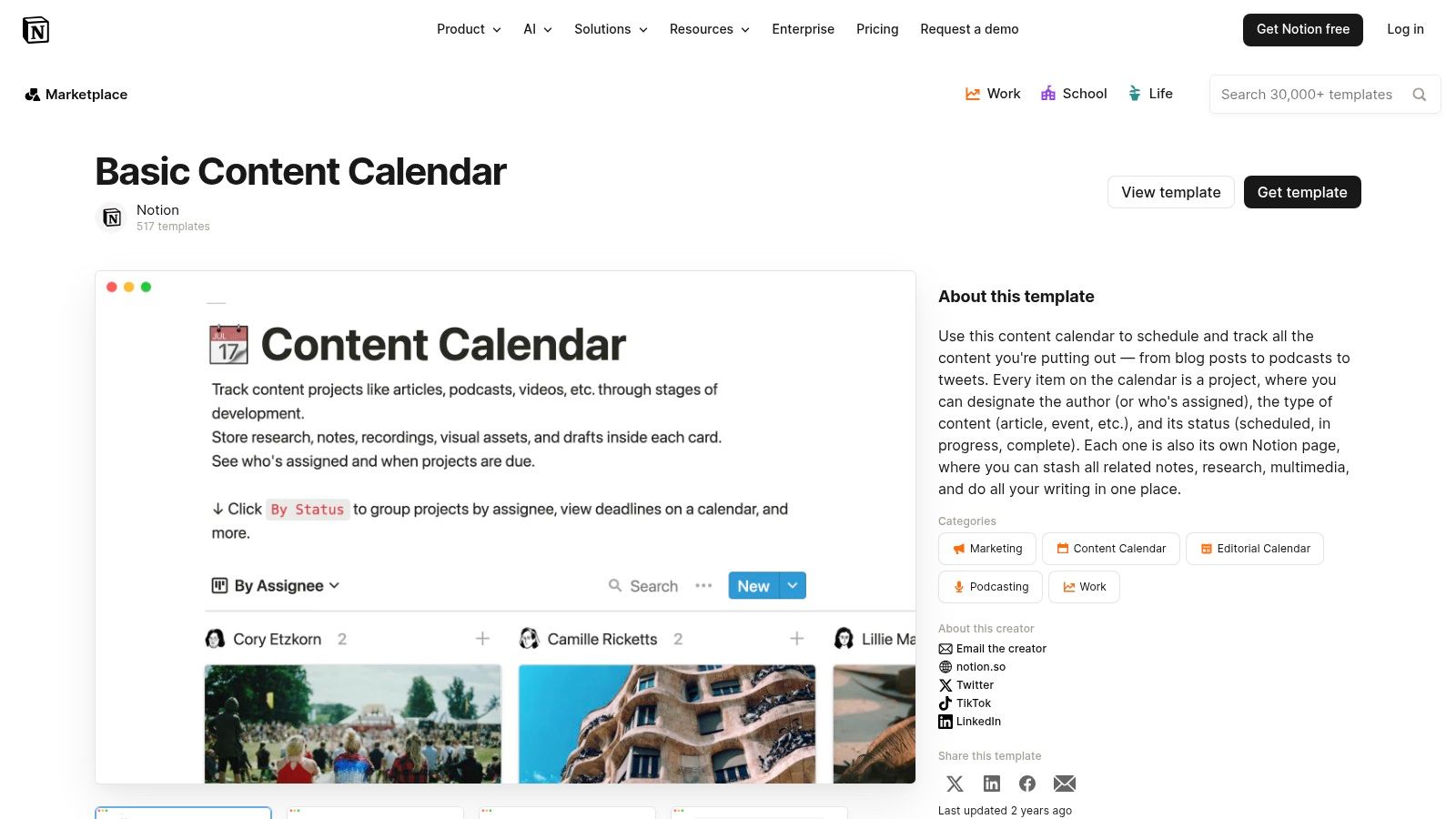
What makes Notion stand out is its flexibility. A single database can be viewed as a traditional calendar, a Kanban board for tracking progress, or a simple table for a high-level overview. Each content piece is an entry that can hold all related assets, from draft copy and images to creator assignments and publishing dates, functioning as a lightweight version of a campaign brief. For a more structured approach to campaign development, you can explore our dedicated marketing campaign planning template.
Key Features
- Multiple Views: Switch between calendar, Kanban board, list, and gallery views to visualize your content pipeline in different ways.
- Custom Properties: Add custom tags for content type, status, platform, or assigned team member.
- Free Access: Most content calendar templates are free and work seamlessly with Notion's generous free personal plan.
Implementation and Use-Case
Notion is ideal for solo creators and small teams who need a centralized hub for all content-related activities. The learning curve can be a bit steep for those new to database tools, but its scalability is a significant advantage. Once you master the basics, you can build a comprehensive system that connects content ideas to published assets. For creators interested in building their own systems, there's even a market to sell Notion templates and monetize that expertise.
Website: notion.com/templates/content-calendar
2. Asana
Asana excels at turning content strategies into actionable, cross-functional workflows. Its free template gallery includes dedicated editorial and social media calendars that are immediately deployable, making it a strong choice for teams that need to manage approvals and dependencies within their content planning template. Unlike more freeform tools, Asana is built around structured task management.
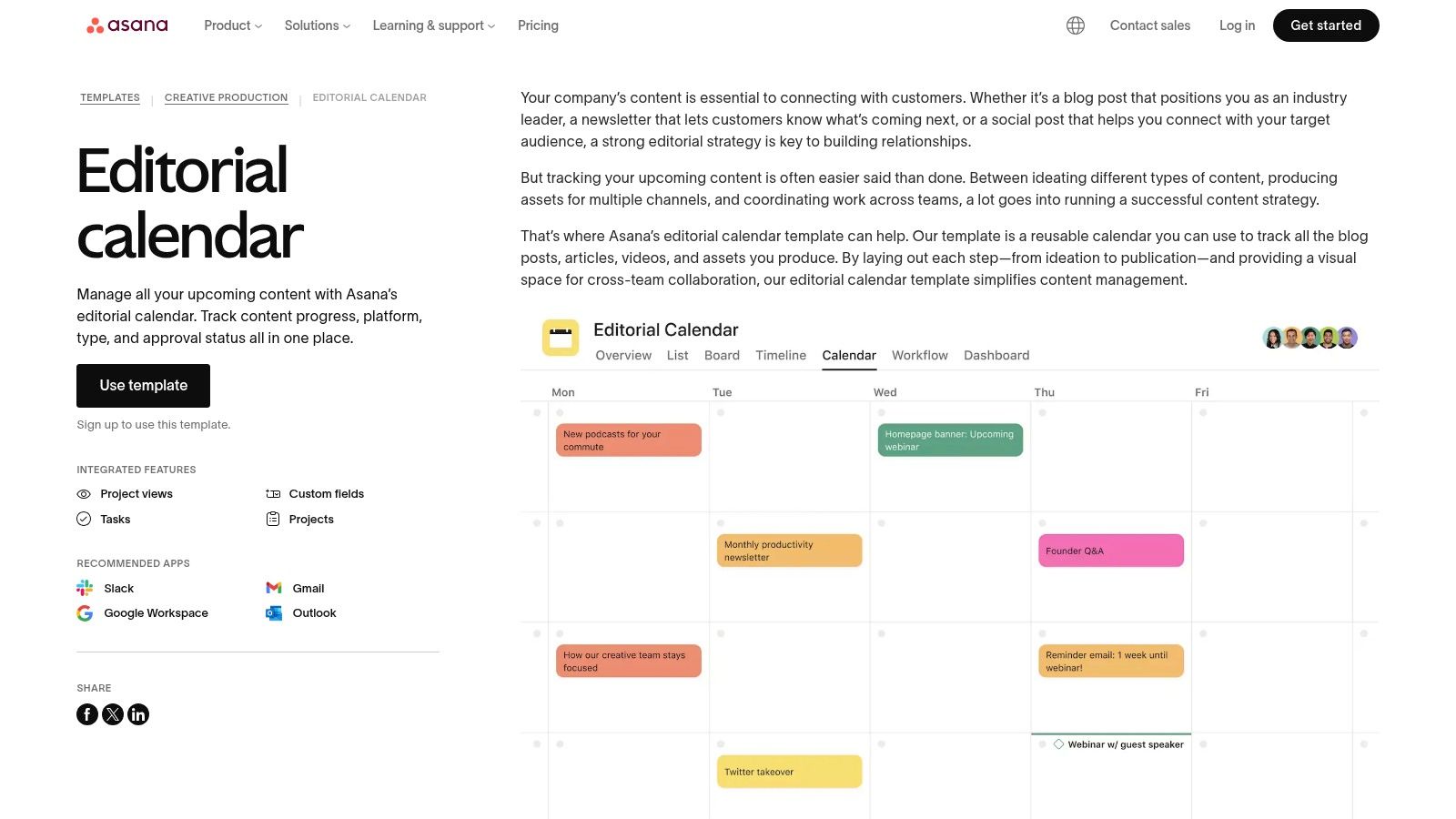
What sets Asana apart is its focus on the entire content lifecycle, from ideation to publication and beyond. Each piece of content is a task that can be assigned, given a due date, and linked to other dependent tasks, ensuring that, for example, a blog post is not scheduled until the design for its graphics is complete. This structured approach helps prevent bottlenecks and keeps the entire team aligned on project progress.
Key Features
- Multiple Views: Organize tasks in a list, a Kanban-style board, a traditional calendar, or a timeline view for Gantt chart-style planning.
- Task Dependencies: Link tasks together to create a clear order of operations and automate status updates.
- Robust Integrations: Connects seamlessly with popular tools like Slack, Google Workspace, Figma, and Adobe Creative Cloud.
Implementation and Use-Case
Asana is perfect for marketing teams and agencies that manage complex content pipelines involving multiple stakeholders and approval stages. Getting started is straightforward, as you can use a pre-built template with a free account. However, to access more powerful features like custom rules, automations, and formal approval workflows, a paid plan is necessary. The platform is less suited for solo creators who may find its project management overhead excessive for simpler needs.
Website: asana.com/templates/editorial-calendar
3. ClickUp
ClickUp provides a robust, operations-focused approach to content management with several free templates designed for high-level planning. Its official template library includes options like a monthly or weekly content calendar, which you can add to your workspace instantly. This makes it a great choice for teams that need a comprehensive content planning template integrated directly into their project management ecosystem.
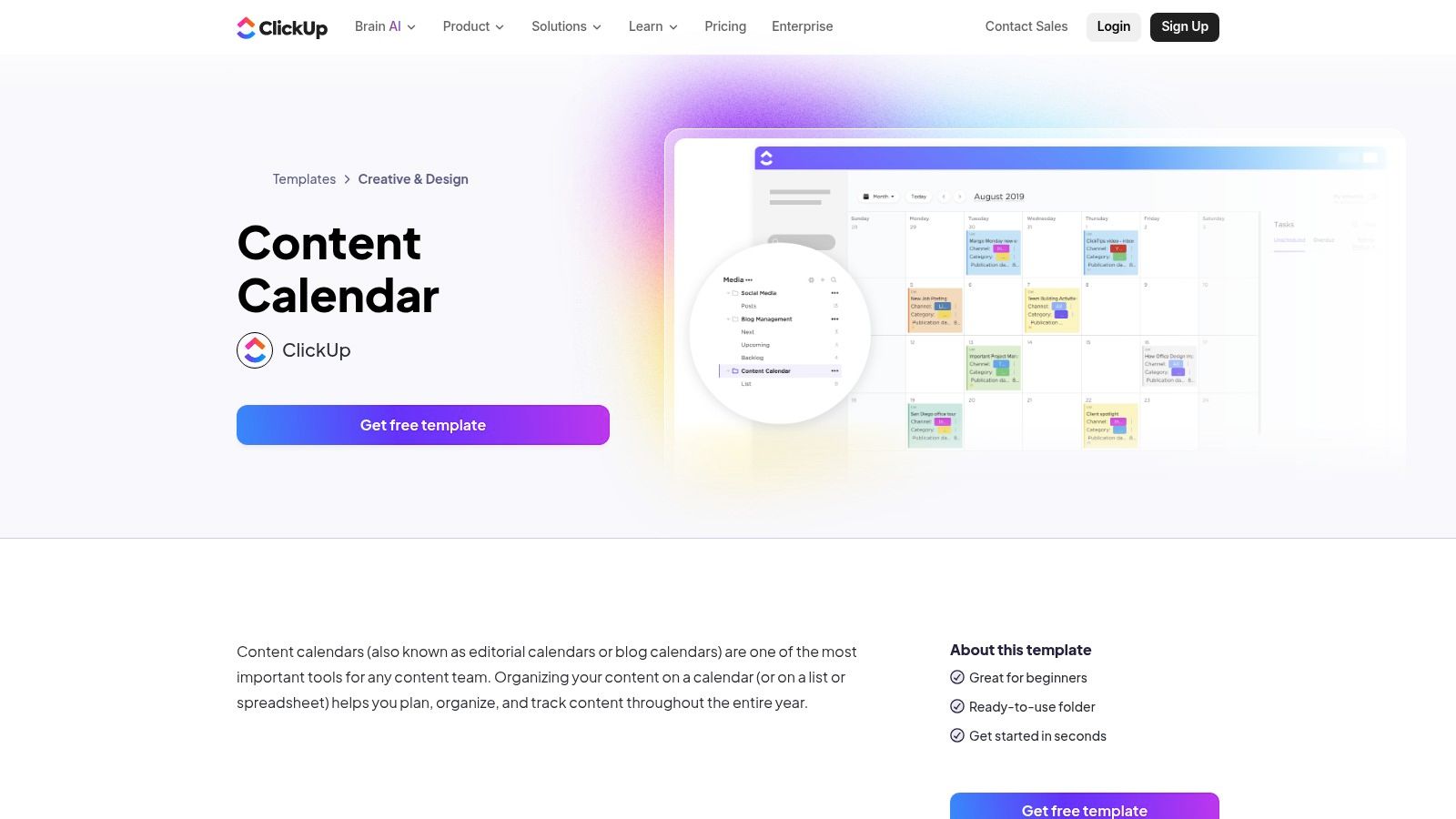
The platform’s strength lies in its deep customization and all-in-one functionality. A single template comes with pre-built statuses, custom fields for details like content type or target audience, and multiple views. You can manage your content pipeline on a Kanban board, view deadlines on a calendar, and see a high-level summary in a list, all while connecting tasks to larger company goals and documents.
Key Features
- Multiple Views: Instantly switch between calendar, board, and list views to track progress from different perspectives.
- Deep Customization: Add custom fields, statuses, and tags to tailor the template to your specific content workflow.
- Integrated Suite: Connect your content calendar directly to other ClickUp features like Docs, Goals, and team comments for a unified workspace.
Implementation and Use-Case
ClickUp is ideal for marketing teams and agencies that manage complex projects alongside their content creation. While its extensive feature set can feel overwhelming for solo creators or those new to project management tools, its power is unmatched for operations-heavy workflows. The generous free plan provides more than enough functionality for most teams to build a sophisticated content engine, though advanced automations are reserved for paid tiers.
Website: clickup.com/templates/content-calendar-t-90091332587
4. Trello
Trello provides a visual and intuitive Kanban-style approach to content management, making it incredibly accessible for teams new to structured planning. Its extensive template gallery includes numerous editorial and content calendar templates that can be copied to your workspace instantly. This makes it a go-to choice for those seeking a straightforward content planning template without a steep learning curve.
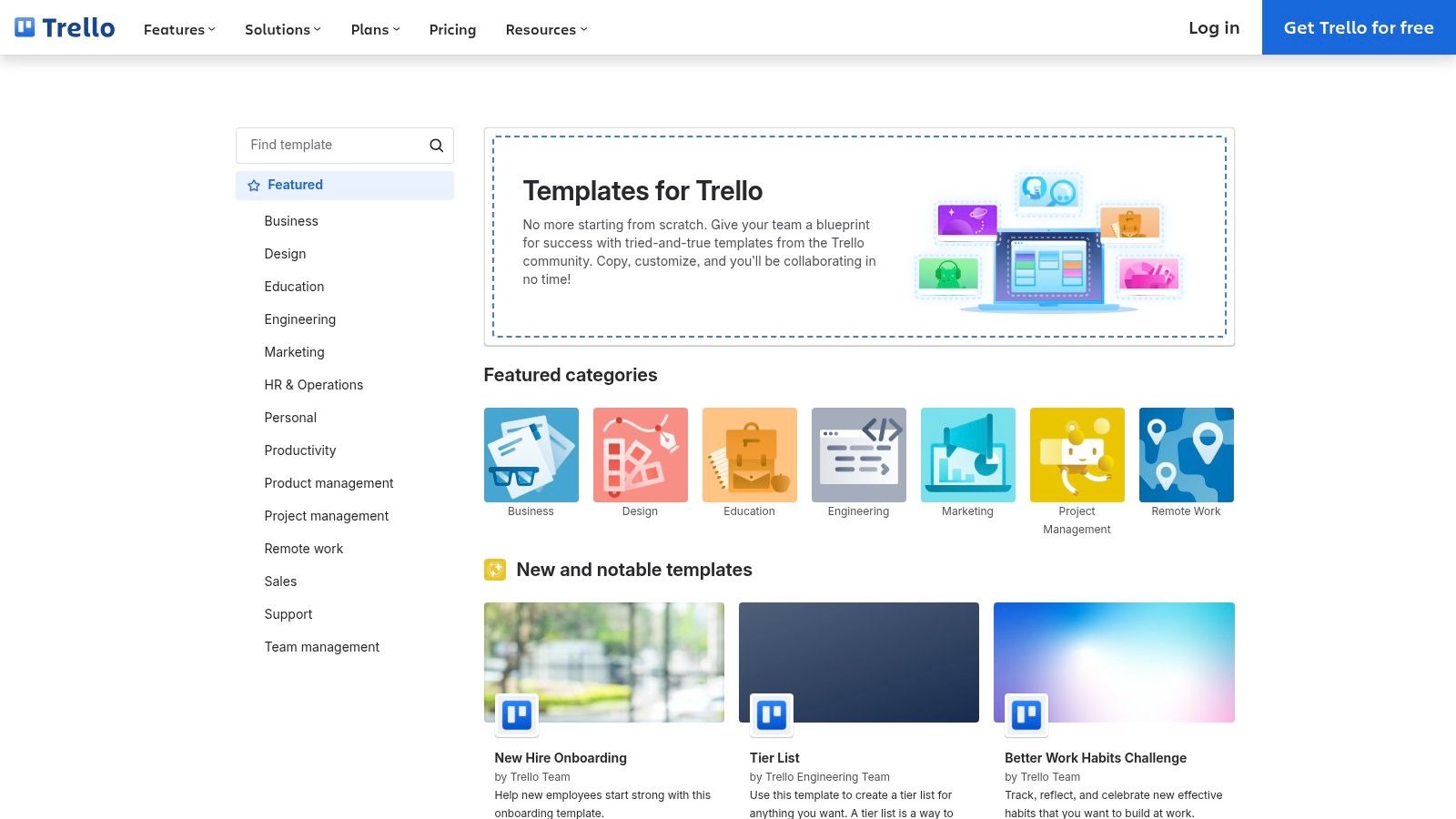
The platform's strength lies in its simplicity. Each content idea becomes a "card" on a "board," which you can move across lists representing stages like "Ideation," "In Progress," and "Published." Cards can hold checklists for sub-tasks, attachments for drafts, and due dates for deadlines. For those who enjoy Trello's interface, it's worth exploring how a Kanban Tasks as a Trello alternative might offer different features for specific workflows.
Key Features
- One-Click Templates: Instantly create a new board from a pre-made content calendar template.
- Calendar Power-Up: Add a calendar view to your board to visualize content schedules based on card due dates.
- Visual Workflow: The Kanban board format makes it easy to see the status of every content piece at a glance.
Implementation and Use-Case
Trello is perfect for small teams and individual creators who prioritize speed and ease of use. Its fast onboarding process means you can have a functional content pipeline running in minutes. While it lacks the deep database functionality of tools like Notion, its use of "Power-Ups" allows for customization, although many advanced features require a paid subscription. It's an excellent tool for managing straightforward content workflows without getting bogged down in complexity.
Website: trello.com/templates
5. Airtable
Airtable combines the intuitive feel of a spreadsheet with the power of a relational database, making its official templates gallery a prime resource for robust content planning. It offers various pre-built bases, including editorial calendars and social media planners, that are perfect for teams needing a structured yet flexible content planning template. These templates provide a solid foundation that can be customized to manage complex content operations.
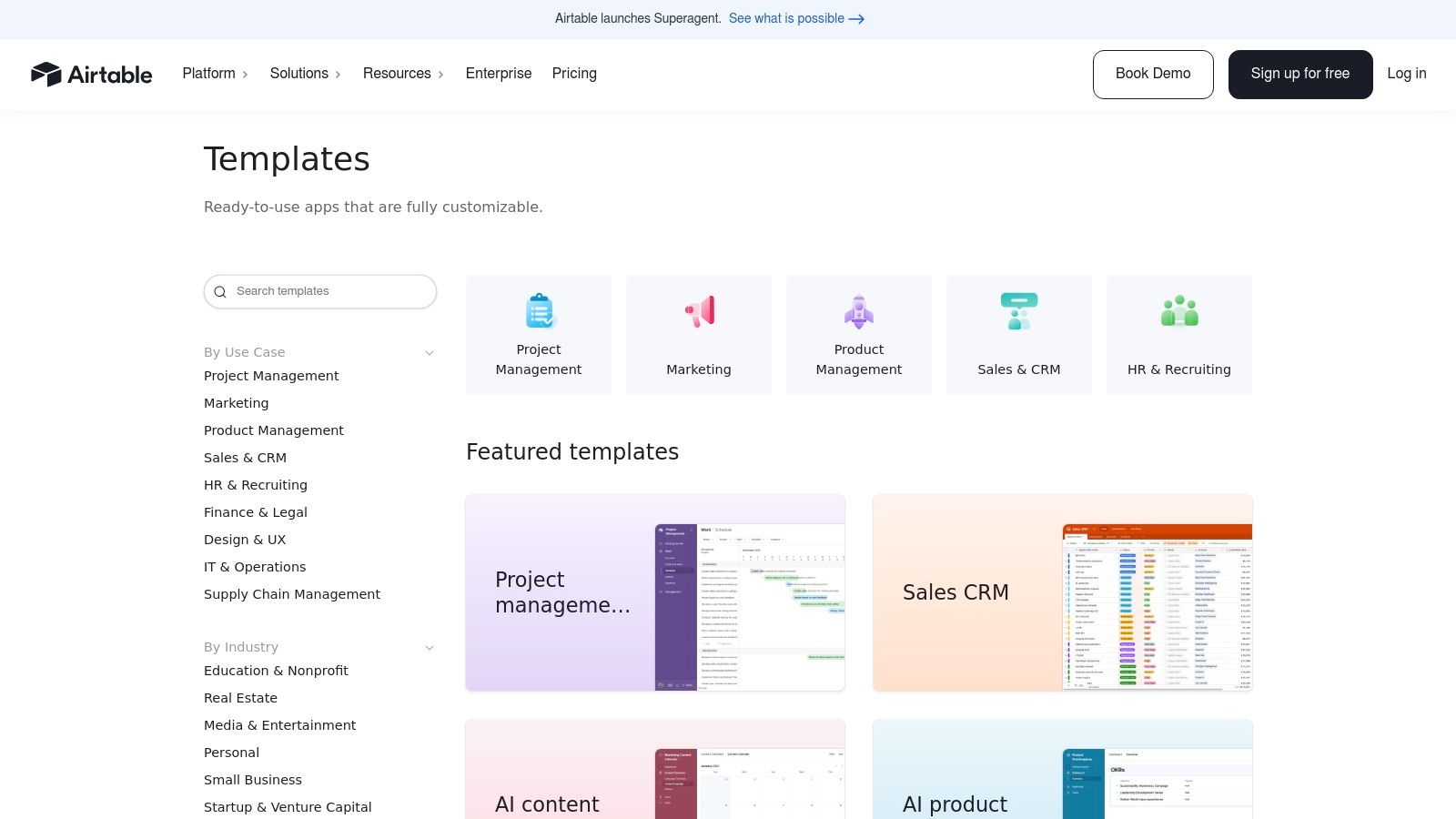
What truly sets Airtable apart is its ability to link different sets of data. You can connect your content calendar to a separate database of digital assets, a list of team members, or campaign goals. This relational capability allows teams to build a single source of truth for all content-related information, streamlining workflows and eliminating data silos. The platform also offers Forms, which are ideal for capturing new content ideas from across your organization directly into your planning base.
Key Features
- Relational Databases: Link records between different tables to connect content pieces with assets, creators, and campaigns.
- Multiple Views: Easily switch between grid (spreadsheet), calendar, Kanban, and gallery views to visualize your workflow.
- Forms for Data Entry: Create custom forms to standardize how new content ideas are submitted and collected.
Implementation and Use-Case
Airtable is best suited for marketing teams and agencies that manage a high volume of content and need a sophisticated system for asset management and operational tracking. While its setup is more involved than a simple spreadsheet, its filtering, sorting, and grouping capabilities are far more powerful. The free plan is generous, but larger teams will likely need to upgrade to a paid tier to bypass record limits and access advanced features like automations and integrations.
Website: airtable.com/templates
6. Miro
Miro provides a visual-first approach to content planning with its infinite collaborative canvas. The platform offers free content and editorial calendar templates that are perfect for teams who thrive on visual brainstorming and campaign ideation. This makes it an exceptional choice for anyone looking for a dynamic and interactive content planning template.
What sets Miro apart is its emphasis on real-time, workshop-style collaboration. Instead of static rows and columns, your content plan becomes a living document on a digital whiteboard. You can use drag-and-drop cards for content ideas, create swimlanes for different channels, and build out visual timelines that everyone can contribute to simultaneously, making it a highly engaging way to map out your content strategy.
Key Features
- Infinite Canvas: Create expansive visual plans using drag-and-drop cards, sticky notes, and connecting lines.
- Real-time Collaboration: Work with team members simultaneously, with features like cursors, comments, and mentions.
- Free Templates: Access a variety of pre-built templates for annual, monthly, and editorial planning.
Implementation and Use-Case
Miro is ideal for marketing teams, especially those working remotely, who need a tool for high-level strategic planning and creative brainstorming sessions. While its free-form nature is a major strength for ideation, it's less suited for granular task management without integrations. The free plan is quite generous, but more advanced features and unlimited boards require a paid subscription.
Website: miro.com/templates/editorial-calendar/
7. Canva Pro
Canva Pro expands beyond design by integrating a Content Planner, allowing users to schedule social media posts directly from the editor. This feature is a game-changer for creators and teams who already use the platform for their visual assets, effectively merging the design and publishing stages into a single workflow. It provides a visual and intuitive content planning template in a calendar format.
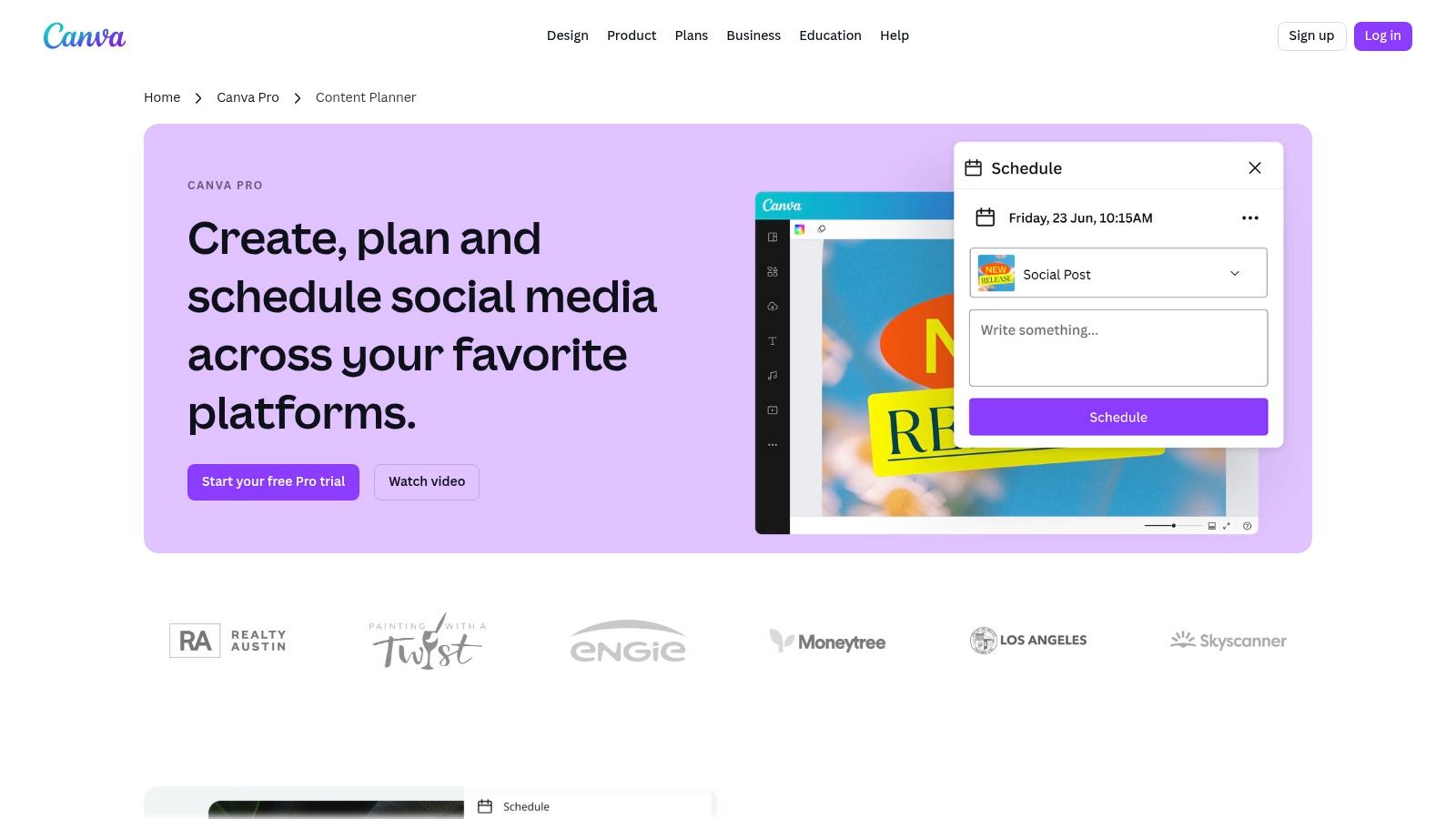
What makes Canva’s planner so effective is its seamless connection to the design library. You can finish creating a graphic or video and, with a few clicks, schedule it to post across major social platforms like Instagram, Facebook, and LinkedIn. This eliminates the need to download files and re-upload them to a separate scheduling tool, saving significant time and reducing friction in the content lifecycle.
Key Features
- Integrated Scheduling: Plan and publish content to 8 social platforms directly from the Canva editor.
- Vast Template Library: Access thousands of design templates that can be instantly added to your content calendar.
- Performance Insights: Track engagement metrics for your scheduled posts to understand what resonates with your audience.
Implementation and Use-Case
Canva Pro is ideal for individual creators and small marketing teams who prioritize efficiency and a unified workflow. While the Content Planner is a paid feature included in the Pro subscription, its value lies in consolidating tools. The user interface is straightforward, making it easy to adopt. However, users should be aware of occasional connection issues with social platforms, which may require re-authentication. It is best suited for those whose content process begins and ends with visual creation.
Website: canva.com/pro/content-planner
8. Hootsuite
For teams and individuals who prefer a classic spreadsheet format, Hootsuite offers a free, downloadable social media content calendar template. Available as a Google Sheet or Excel file, this template provides a structured yet simple framework for organizing social media posts without the need for specialized software. It serves as an excellent starting point for anyone looking to bring order to their social media efforts with a reliable content planning template.
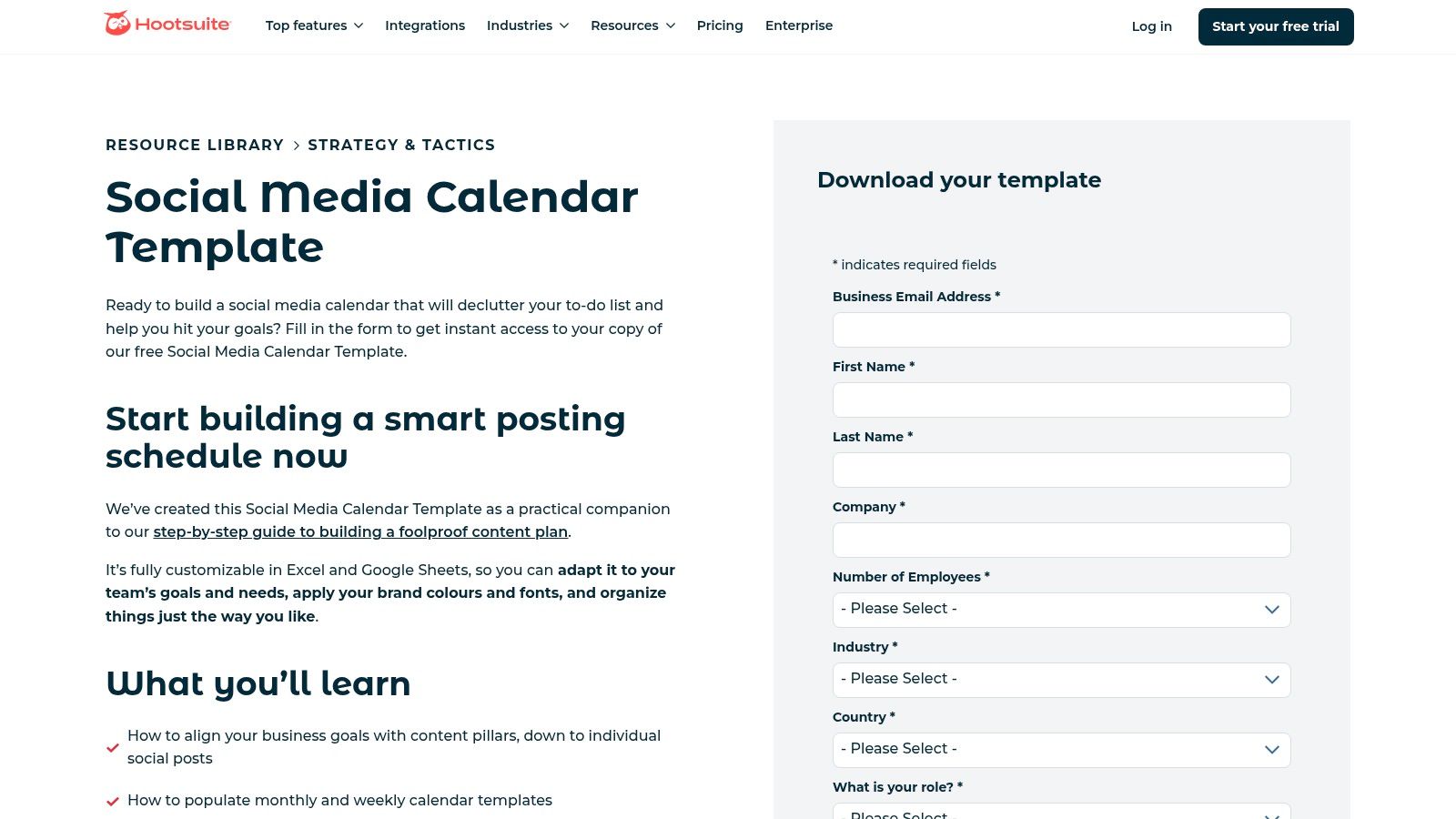
What sets Hootsuite's template apart is its simplicity and backing by a leader in social media management. It’s designed to be immediately usable, with pre-built tabs for monthly and weekly overviews, an evergreen content library, and prompts to help align your content with business objectives. This practical approach is ideal for those who want a shareable, no-frills tool that focuses on the core tasks of planning and scheduling.
Key Features
- Monthly & Weekly Views: Separate tabs allow for both high-level monthly planning and detailed weekly scheduling.
- Evergreen Content Library: A dedicated space to store and track high-performing content that can be reused over time.
- Goal-Oriented Planning: The template includes guidance to help you map content back to specific marketing goals.
Implementation and Use-Case
This template is perfect for social media managers, small business owners, and marketing teams who manage a few social channels and value the universal accessibility of a spreadsheet. While it requires a form submission to download, it's a completely free resource. The main limitation is its manual nature; unlike integrated platforms, it lacks automation and real-time collaboration features. However, for straightforward planning and easy sharing, it’s a powerful and cost-effective solution.
Website: hootsuite.com/resources/blog/social-media-calendar-template
9. Sprout Social
Sprout Social offers a free, downloadable monthly social media calendar that provides a structured framework for teams focused on collaboration and performance tracking. This content planning template is designed to help you organize posts while keeping strategic goals and KPIs at the forefront, making it an excellent bridge for those not yet ready for a full-scale management platform.
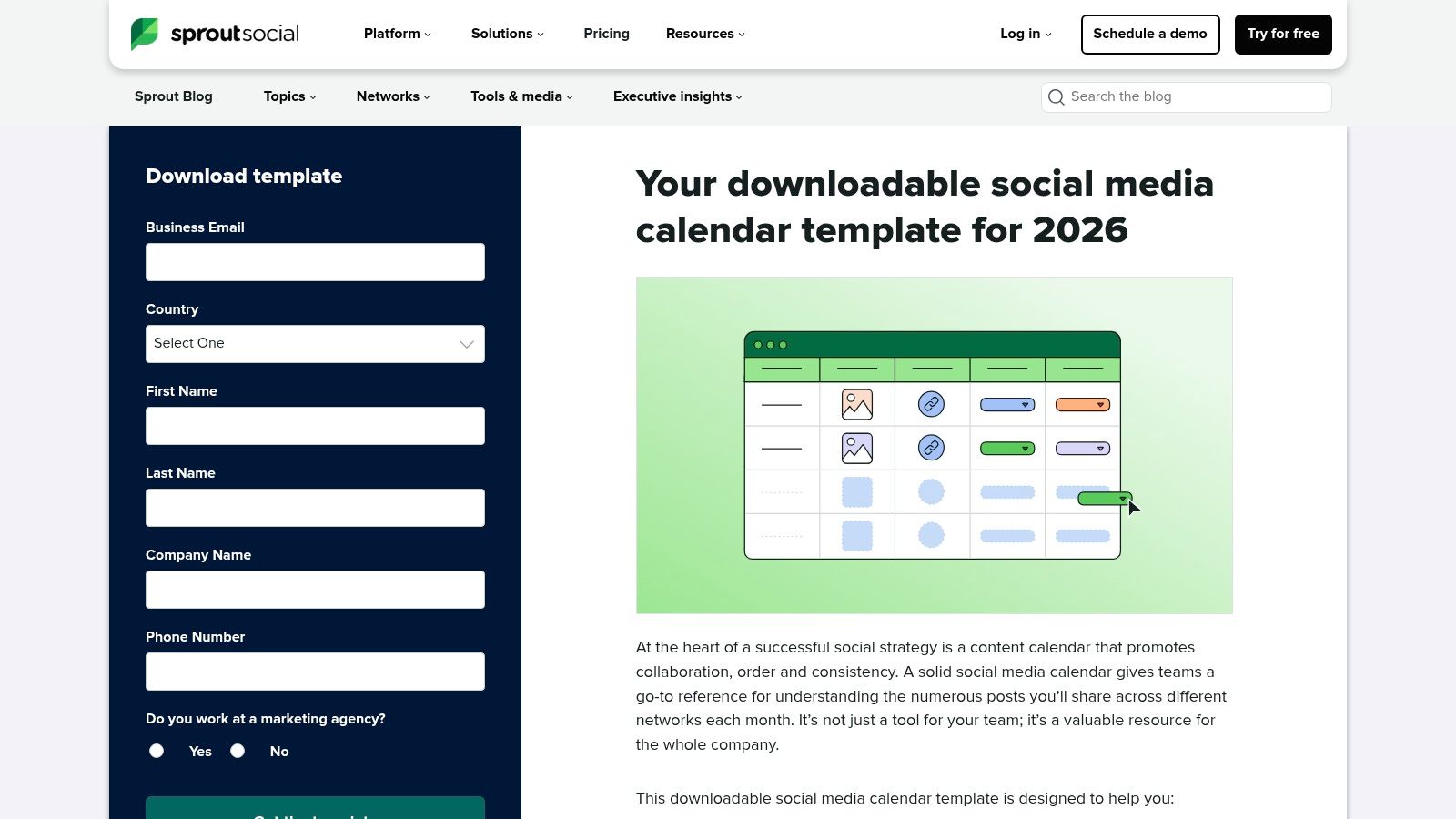
Unlike basic calendars, this template includes dedicated sections for defining monthly goals, centralizing team notes, and assigning action items. Its emphasis on categorization allows you to tag content by campaign or content pillar, which is essential for building a cohesive and effective social media presence. To get the most out of this structure, it helps to have a well-defined social media content strategy in place before you begin populating the calendar.
Key Features
- Goal and KPI Emphasis: A dedicated section to align monthly social activities with broader marketing objectives.
- Centralized Notes: A space for team members to share updates, ideas, and action items directly within the planner.
- Content Tagging: Columns for categorizing posts by campaign or content type for better organization and analysis.
Implementation and Use-Case
This template is ideal for marketing teams that need a more marketing-ops-friendly structure than a simple date-and-post calendar. It encourages a strategic approach by connecting content directly to performance metrics. While it is a powerful standalone tool, it requires manual upkeep. It's a great starting point for teams looking to formalize their planning process before committing to a paid platform like Sprout Social itself.
Website: sproutsocial.com/insights/templates/downloadable-social-media-calendar-template/
10. CoSchedule
CoSchedule is a well-known name in marketing software, and its website provides free resources that serve as a great entry point into structured content management. They offer a downloadable content planning template bundle, complete with detailed setup guides, designed specifically for marketing teams looking to establish a more defined workflow. This makes it an excellent starting point for those who want process-focused education alongside a functional tool.
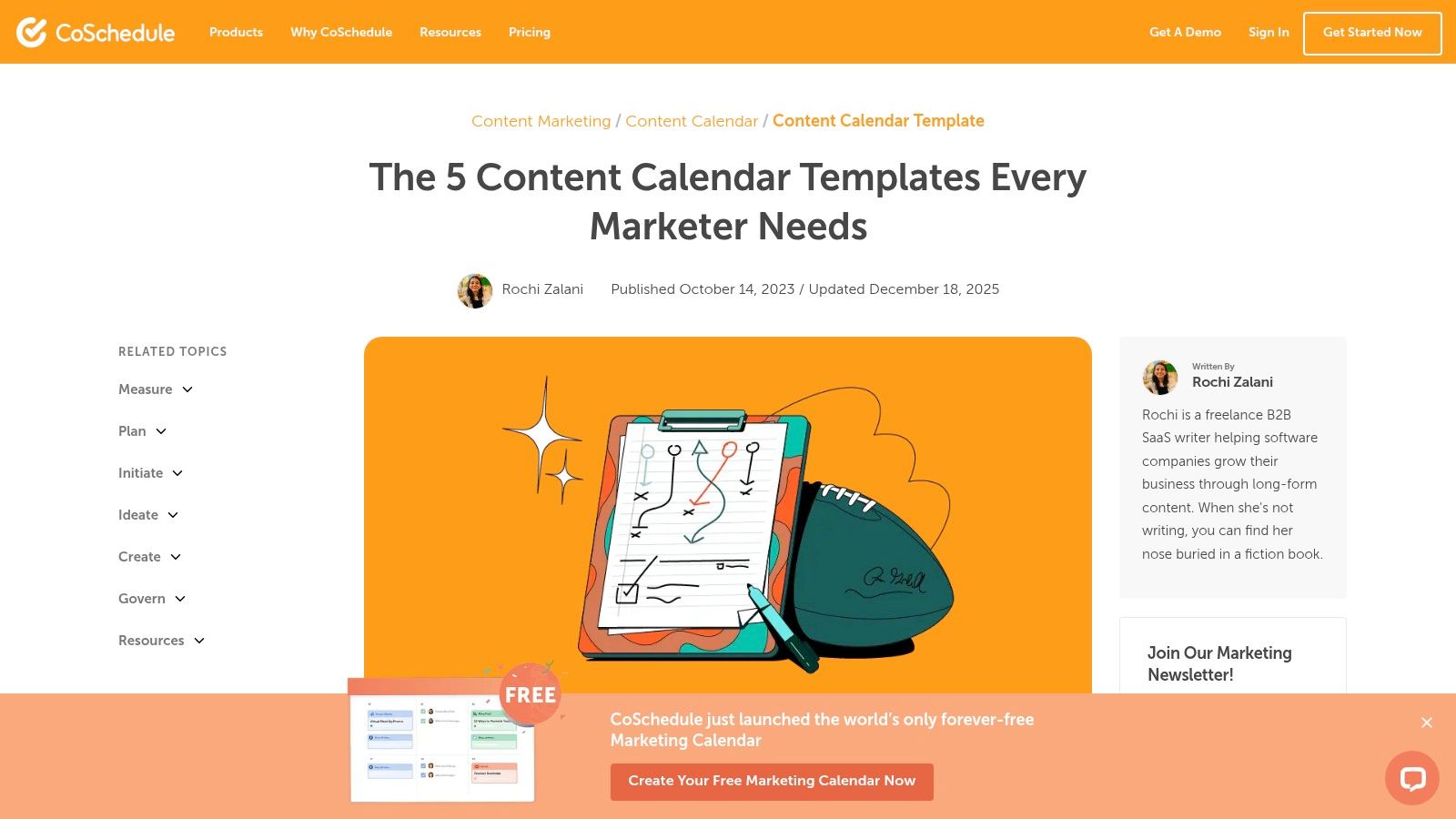
What sets CoSchedule apart is its clear upgrade path from a simple template to a purpose-built Marketing Calendar product. The free templates teach you the fundamentals, while the software introduces advanced features like reusable task templates, automated social scheduling, and analytics. This dual offering is ideal for growing teams that anticipate needing a more powerful, centralized solution in the future. Their educational resources are also valuable for anyone looking to build a better social media content calendar.
Key Features
- Guided Templates: Downloadable spreadsheet templates come with comprehensive, step-by-step guides on how to use them effectively.
- Reusable Campaign Templates: Within the paid software, you can create and reuse templates for entire campaigns and tasks, ensuring consistency.
- Integrated Reporting: The software version provides stakeholder views and performance reports to track content effectiveness.
Implementation and Use-Case
CoSchedule's free templates are best for marketing teams that are just beginning to formalize their content planning process. The real strength lies in its ecosystem; you start with the free resources and can transition to their dedicated software as your needs grow. While the most powerful features are locked behind a paid plan, the free templates themselves offer significant value and a solid foundation for building a scalable content strategy.
Website: coschedule.com/content-marketing/content-calendar/content-calendar-template
11. Etsy
For those seeking a more personalized or aesthetically specific solution, Etsy offers a massive marketplace of creator-made templates. It's a treasure trove of instant-download content calendars for various platforms like Notion, Google Sheets, Airtable, and even printables. If you're looking for an affordable, highly-customized content planning template that fits a specific niche or industry, Etsy is an excellent place to start.
What makes Etsy unique is the sheer variety and creativity of the sellers. You can find everything from minimalist planners to intricate, themed calendars designed for specific industries like real estate or beauty. Many sellers provide exceptional value by including video tutorials, lifetime updates, and dedicated support, offering a boutique experience that larger platforms can't match.
Key Features
- Vast Selection: Thousands of unique templates across nearly every digital format and platform imaginable.
- Seller Ratings and Reviews: Built-in social proof helps you vet the quality and reliability of a template before purchasing.
- Niche-Specific Designs: Find templates tailored for specific platforms (like TikTok or Instagram Reels) or industries, often with pre-filled content ideas.
Implementation and Use-Case
Etsy is perfect for solo creators, influencers, and small business owners who want a ready-to-use template that reflects their brand's aesthetic without needing to build one from scratch. While quality can vary between sellers, a quick check of reviews usually points you toward high-quality products. The instant-download nature means you can have a new system up and running in minutes, making it a fast and budget-friendly option.
Website: https://www.etsy.com/market/content_calendar_template
12. Creative Market
For teams and creators who prioritize visual appeal and a professionally designed layout, Creative Market offers a marketplace of premium, designer-grade templates. Unlike free options, these templates are crafted by professional designers and often come with detailed guides and robust features, making it a great place to find a polished content planning template that aligns with your brand's aesthetic.
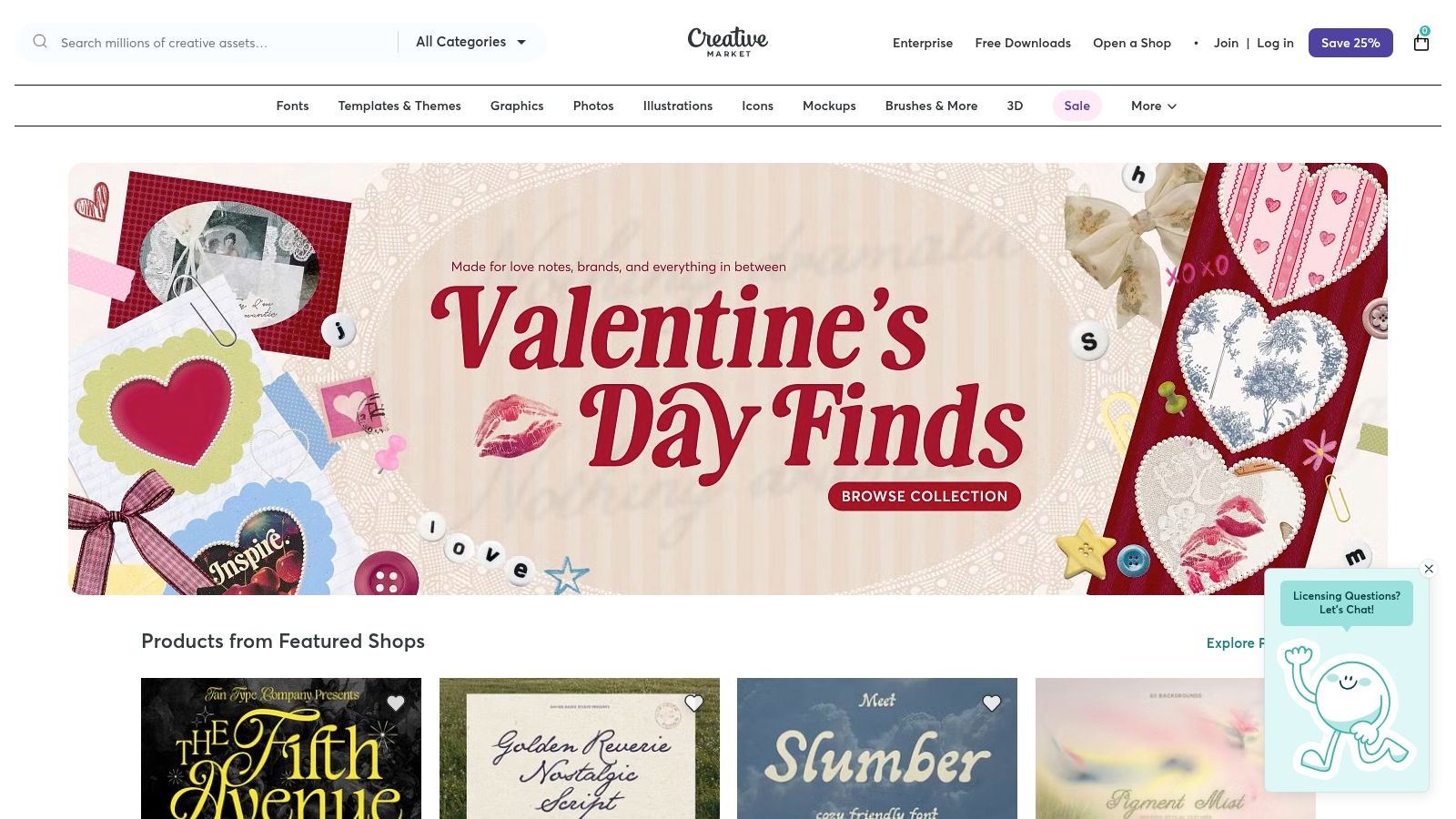
The primary advantage of Creative Market is the sheer quality and variety of its offerings, which typically come as Google Sheets, Excel, or Canva files. These paid templates often go beyond basic calendars, incorporating sections for analytics tracking, budget management, and multi-platform campaign coordination. The inclusion of commercial licensing makes them a safe and reliable choice for agencies and businesses that need assets cleared for professional use.
Key Features
- Premium Designs: Access beautifully designed templates that offer a more professional and visually engaging planning experience.
- Format Variety: Find templates specifically designed for Google Sheets, Excel, Canva, and other popular tools.
- Commercial Licensing: Paid downloads typically include licenses for business use, ensuring you are compliant.
Implementation and Use-Case
Creative Market is ideal for marketing agencies, social media managers, and brands that present their content plans to clients or stakeholders. The one-time cost can be a worthwhile investment for a template that saves design time and enhances presentations. However, since it is a marketplace, the quality and features can vary significantly between sellers, so it's important to read reviews and product descriptions carefully before purchasing.
Website: https://creativemarket.com/
Content Planning Template: 12-Tool Comparison
| Tool | Key features | Best for | Unique selling point | Ease of use | Price / Access |
|---|---|---|---|---|---|
| Notion | Prebuilt properties, calendar/board/table views, one‑click duplicate | Solo creators & teams needing flexible planning | Highly customizable free templates | Moderate — learning curve for DBs | Free to start; templates free |
| Asana | Calendar/list/board/timeline, dependencies, integrations | Cross‑functional teams needing approvals & workflows | Strong workflow & approval support | Moderate — structured setup, sign‑in required | Free templates; advanced features paid |
| ClickUp | Multiple views, automations, recurring tasks, integrations | Ops‑heavy teams wanting deep customization | All‑in‑one project management + content planning | Complex for new users | Generous free plan; paid tiers for advanced |
| Trello | Kanban boards, calendar power‑up, checklists, templates | Teams/individuals wanting quick, lightweight boards | Fast onboarding and simple UX | Very easy | Free; power‑ups/paid features optional |
| Airtable | Relational DB, grid/calendar/kanban/gallery, forms | Teams managing asset libraries & complex ops | Powerful filtering and relational records | Moderate — requires setup | Free tier; paid for higher limits/features |
| Miro | Infinite canvas, drag‑drop cards, real‑time collaboration | Visual planning, workshops, distributed teams | Excellent for visual ideation & workshops | Easy for visual users; not task‑focused | Free templates; paid plans for advanced |
| Canva Pro | Design editor + content planner, scheduling, insights | Creators & small teams that design in Canva | Integrated create → plan → publish workflow | Easy for Canva users | Planner is Pro feature (paid) |
| Hootsuite | Downloadable weekly/monthly spreadsheet templates, evergreen library | Users who want no‑software, shareable starting point | Simple, shareable spreadsheet backed by a social brand | Very easy; manual process | Free download (may require form) |
| Sprout Social | Monthly planner with KPIs, tags, notes | Teams focused on collaboration, KPIs, campaign tagging | Marketing‑ops structure for planning & tracking | Easy to use; manual maintenance outside platform | Free download; Sprout platform is paid |
| CoSchedule | Downloadable templates + setup guides; product calendar & reporting | Marketing teams wanting process education & upgrade path | Education + purpose‑built marketing calendar product | Moderate; best with paid product | Free templates; paid software for full features |
| Etsy | Thousands of creator templates (Notion/Sheets/Airtable/print) | Users who want niche, inexpensive, ready‑to‑customize templates | Huge variety and low‑cost instant downloads | Easy to purchase; quality varies by seller | Paid per download; low cost per item |
| Creative Market | Designer‑grade templates, tutorials, licensing options | Teams needing polished visuals and business licensing | High‑quality, professionally designed templates | Easy to buy/use; vendor quality varies | Paid downloads; pricing varies by seller |
Turn Your Plan Into High-Converting Video Content
You've just explored a comprehensive collection of tools, each offering a powerful content planning template to bring order to your creative chaos. From the flexible databases of Airtable and Notion to the visual canvases of Miro and Canva Pro, the right foundation for your strategy is within reach. We've seen how dedicated platforms like CoSchedule and Hootsuite can centralize your entire marketing calendar, while marketplaces like Etsy and Creative Market provide ready-made solutions for those who need to start fast.
The core takeaway is that a template is more than just a document; it's a strategic framework. It transforms scattered ideas into a cohesive plan, ensuring every piece of content has a purpose, a deadline, and a clear role in your marketing funnel. Without this structure, even the most brilliant ideas can fail due to poor execution, missed deadlines, and inconsistent messaging.
From Blueprint to Published Video: Bridging the Gap
Choosing your ideal content planning template is the first critical step. The next is connecting that plan to an efficient production workflow. This is especially true for video content, where the distance between a concept written in a Trello card and a finished, high-performing asset can feel vast. A great plan deserves an equally great execution engine.
Consider these key factors when implementing your new system:
- Integration: How easily can your chosen template connect with the other tools in your marketing stack? A seamless flow from planning in Asana to creation and then to scheduling in Sprout Social is the goal.
- Adoption: Will your team actually use it? The best template is one that feels intuitive and solves more problems than it creates. Start simple and add complexity only as needed.
- Scalability: Can your template grow with you? A system that works for five videos a month should also be able to handle fifty without breaking. This is where robust tools like ClickUp and Airtable truly shine.
The ultimate purpose of any content planning template is to enable consistent, high-quality output. It removes the daily guesswork, allowing you to focus your creative energy on what truly matters: producing content that resonates with your audience and drives business results.
Your Next Step: Supercharge Your Execution
Your meticulously crafted content plan is your strategic blueprint. It tells you what to create and when. Now, you need a powerful tool to handle the how, particularly for the most demanding format: video. The most effective marketing teams don't just plan well; they execute with speed and precision.
By pairing a robust planning platform with a specialized creation tool, you build a complete end-to-end content engine. This dual-tool approach allows you to maintain a high-level strategic overview in your calendar while accelerating the time-consuming production tasks. This is how you move from planning content to shipping campaigns that consistently hit their marks. You are no longer just organized; you are a content production powerhouse, ready to test, learn, and dominate your niche.
Ready to turn your newly organized content plan into a pipeline of high-performing videos? Sprello is the AI-powered video creation platform built to bridge the gap between planning and execution. Import your ideas and generate scripts, storyboards, and polished, ad-ready videos in minutes, not days, by visiting Sprello.


