October 28, 2026
Bulletin Boards Online Compared for Brand Teams in 2026
Compare bulletin boards online for creative ops, remote review, and merchandising planning, with features, plan limits, and best uses for brand teams.
Choose a board for the work it needs to support: informal feedback, workshops, curated references, or product-line review. Sprello, which is our product, fits when product visuals need a shared canvas and standardized workflows that carry designs from merchandising and design into marketing across seasons and channels.
A remote review board fills with comments on sample photos. The merchandiser cannot find the current colorway, and the team needs to know which version is approved. Another sticky note will not solve the problem. A discussion board collects input; product workflows connect visuals with the work that follows.
A store announcement calls for a simple noticeboard. A silhouette workshop needs a flexible canvas. In a line review, the key question is what happens after someone approves, rejects, or requests a change.
The tools below suit different jobs across fashion, beauty, jewelry, and home brands. Their order is not a universal ranking. A workshop canvas may suit design teams but fall short for merchandising workflows.
Disclosure: Sprello is our product. The other tools are assessed by the work they support and where they stop being useful for creative operations, remote reviews, and collaborative merchandising planning.
1. When does Padlet suit a shared review board?
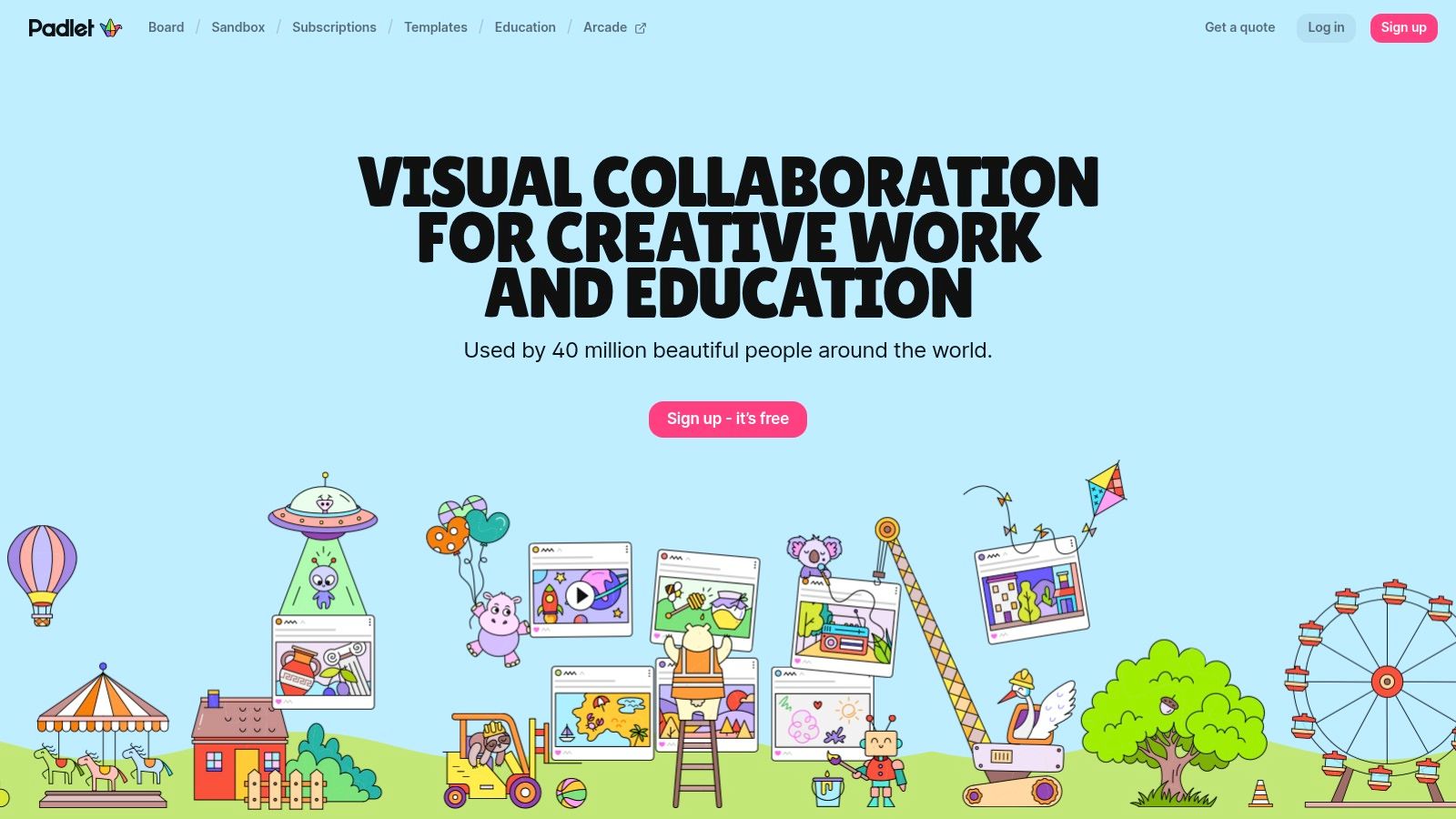
Padlet is a straightforward choice when people need to contribute images, text, links, audio, or video without learning a complicated workspace. Its board layouts and separate sandbox canvas suit different kinds of collection and arrangement.
Say regional beauty teams need to share shelf photographs and packaging observations. A shared wall is easier to scan than an email chain, particularly when contributors attach comments to the relevant visual.
Where does it stop?
Padlet is a contribution surface, not a product catalog. It can hold sample photographs and reactions, but your team still needs to identify the current sample, record the decision, and update the system that owns the product.
- Good fit: Informal reference gathering, regional observations, and lightweight remote feedback.
- Useful controls: Comments, reactions, collaborative sharing, and web and mobile access.
- Plan constraint: Advanced permissions and organizational features depend on the subscription.
For creative ops, give every post a product identifier, season, and explicit question. For merchandising, don't treat the location of a photograph on the board as its approval status.
I'd choose Padlet when participation matters more than complex process control. I wouldn't choose it to manage production steps across a large catalog or maintain account-specific buyer assortments.
2. When is Lino enough for informal creative coordination?
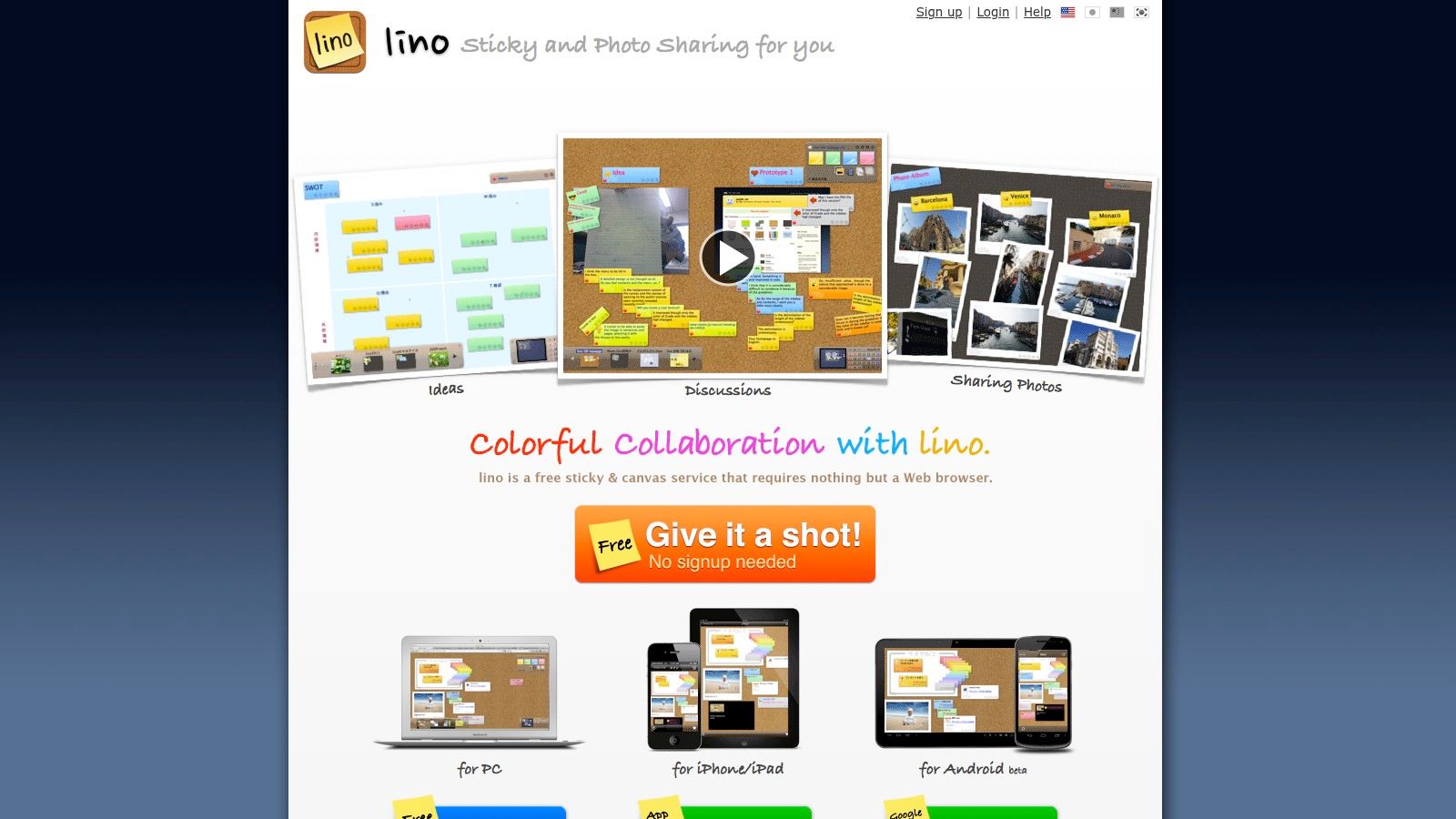
A small accessories team may need somewhere to leave reminders, pin clasp references, and collect questions before a sample call. Lino suits that modest job. Its corkboard-style canvas uses movable, recolorable sticky notes alongside photographs, video, and attachments.
You can share canvases with colleagues, set due dates, and receive email reminders. The format is familiar, although the interface is more utilitarian than newer workshop canvases.
Practical rule: Use sticky notes to capture the question. Put the final product decision somewhere with a named owner and a clear status.
Lino works best when the team agrees on simple conventions. Use one note color for questions, another for actions, and consistent product names on attachments. Don't rely on color alone, because contributors also need readable labels.
The limitation is structure. Expanded storage and some advanced capabilities require premium features, but more storage doesn't turn a corkboard into a merchandising workspace.
For remote review, Lino can collect comments between meetings. For creative ops, it can hold reminders. For collaborative merchandising planning, it remains a supporting board rather than the place to maintain an approved assortment or distribute buyer-ready product information.
3. When should you use Wakelet for curated references?
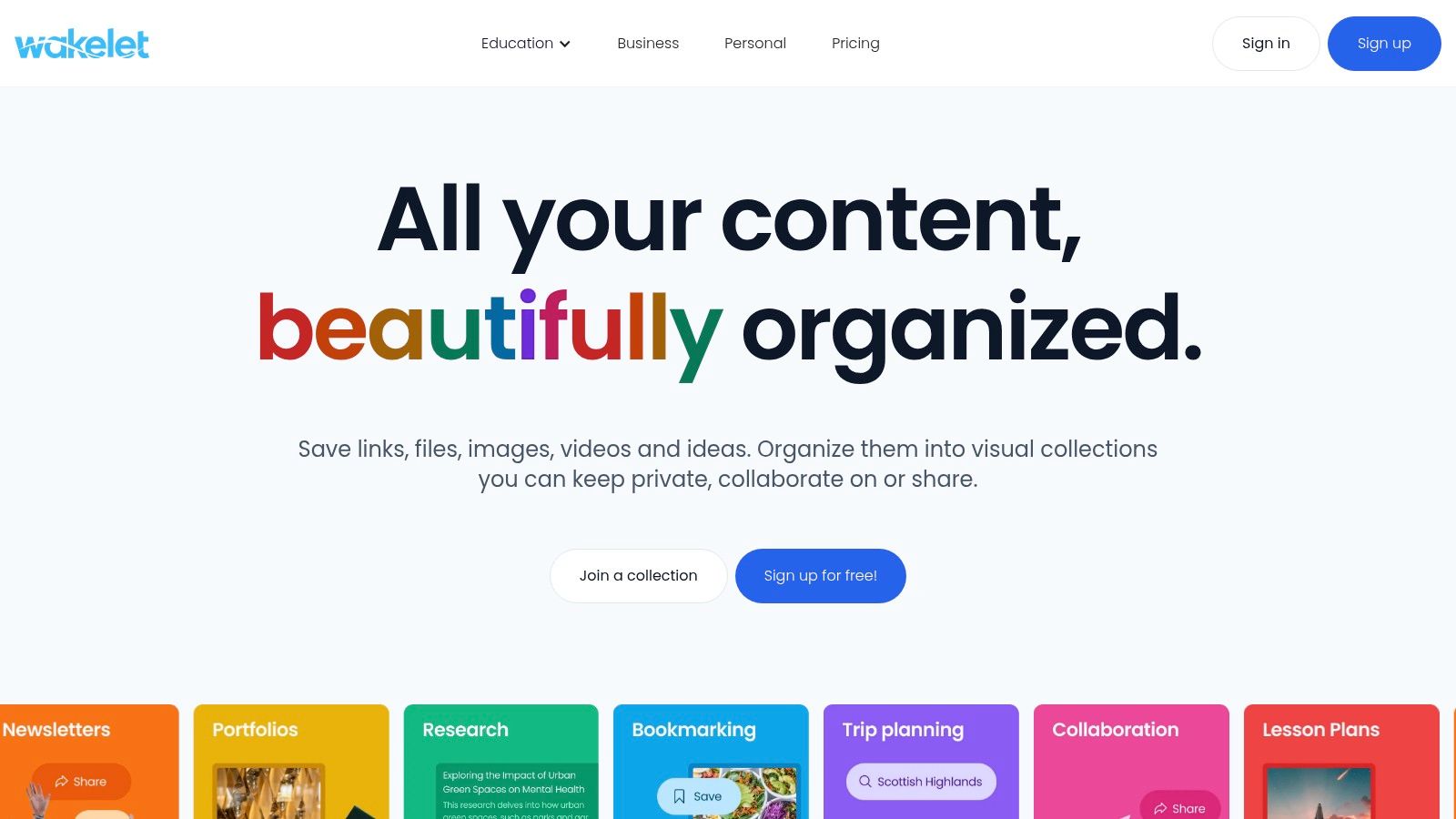
Choose a collection when sequence and selection matter more than spatial freedom. Wakelet organizes links, images, videos, and other material into shareable collections that colleagues can help curate.
For a home brand researching glazed finishes, that might mean a focused collection of material references, retail examples, and campaign imagery. Add a short explanation to each entry so designers understand why it belongs.
What makes it useful for brand teams?
Wakelet's collection format makes references easier to browse than a sprawling wall. Shared workspaces and permissions on Group and Enterprise plans support team organization, while eligible plans offer presentation options such as color and pinned items.
- Best use: Trend references, campaign research, material inspiration, and edited creative briefs.
- Trade-off: Collections offer less spatial flexibility than an infinite canvas.
- Boundary: A reference collection doesn't establish product approval or ownership.
A free Starter plan lets teams try the format, but creation and publishing limits need checking before moving a seasonal archive into it.
For remote reviews, Wakelet is strongest before the meeting, when people need context. It's less suitable when the team must compare competing colorways, resolve comments, and carry approved versions into wholesale materials.
4. Which bulletin board online suits creative ops workshops?
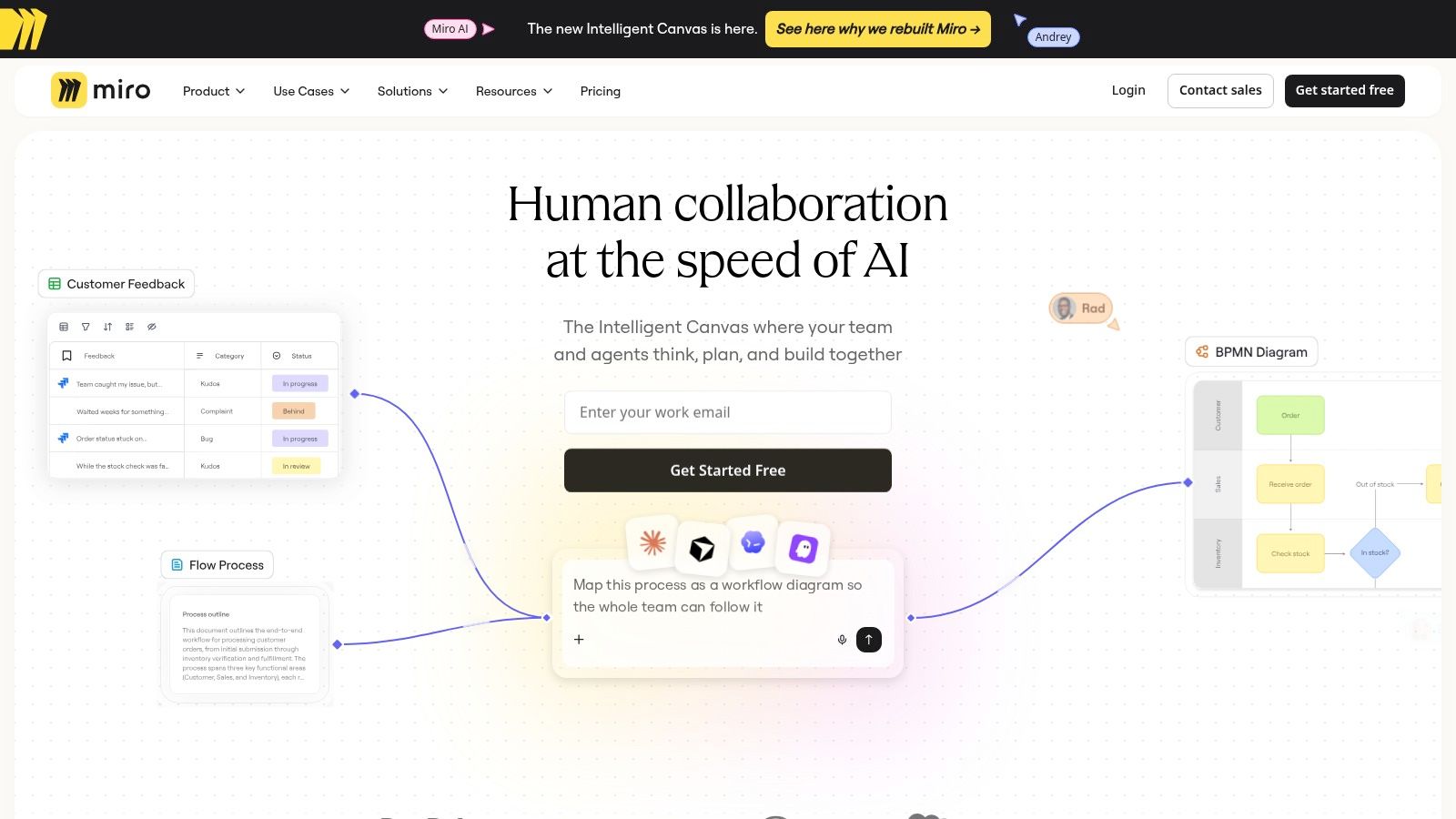
Miro suits teams that need room to think visually. Sticky notes, frames, diagrams, images, and planning templates let a facilitator build anything from a campaign workshop to a seasonal range discussion.
Its flexibility is also the management burden. Someone must define the board's structure, keep current work visible, and archive material that no longer belongs in the review.
For a footwear line review, create separate frames for carryovers, proposed additions, and unresolved questions. Keep the decision criteria beside the products rather than in a separate presentation.
What needs governing?
A canvas layout isn't a product data model. Moving a product image into an approved frame doesn't necessarily update the catalog, planning suite, or wholesale assortment.
Custom templates can help repeat a useful workshop format, although template and administration capabilities vary by plan. Before standardizing, check who can edit the template and who can change the underlying board.
Miro is a good fit for creative-ops mapping and collaborative merchandising conversations. It's not, by itself, a controlled product-development process.
Use it to explore relationships and facilitate discussion. Assign a person to transfer the decisions into the systems that own product records and commercial planning.
5. Which teams should choose FigJam for remote review boards?
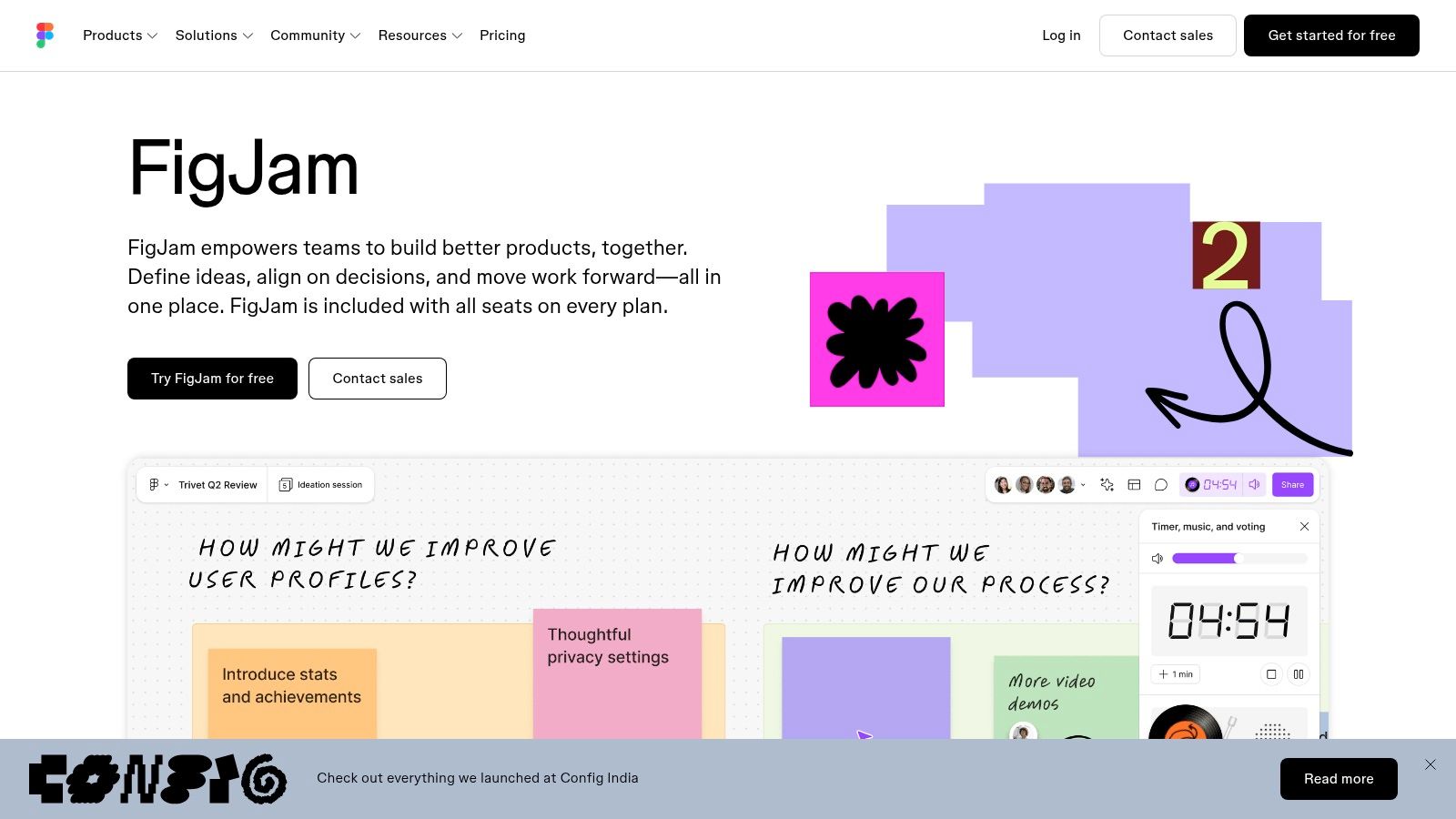
For teams already working in Figma, FigJam is a practical workshop option. It combines sticky notes, tables, connectors, stamps, stickers, and reactions with facilitation tools such as timers and voting.
That makes it useful for a bounded session. A jewelry team could compare fastening concepts, collect concerns, and vote on which options deserve further development.
- Session strength: Facilitators can separate idea generation from prioritization.
- Guest access: Open sessions allow guest participation for a limited period.
- Plan dependency: AI assistance and organization-wide controls depend on eligibility and subscription.
Before inviting reviewers, define how feedback becomes an action. A flowchart for the review process can clarify who proposes, who decides, and who records the outcome.
A vote shows preference. It doesn't establish manufacturing feasibility, margin suitability, or final approval.
FigJam can support creative ops and lightweight remote reviews, but it isn't a production-management system. For merchandising planning, use it to discuss the assortment rather than maintain the authoritative assortment.
Don't let a lively session end with only a cluster of reactions. Record the chosen direction, unresolved constraints, and the person responsible for each follow-up.
6. When does Canva Whiteboards suit a visual brief?
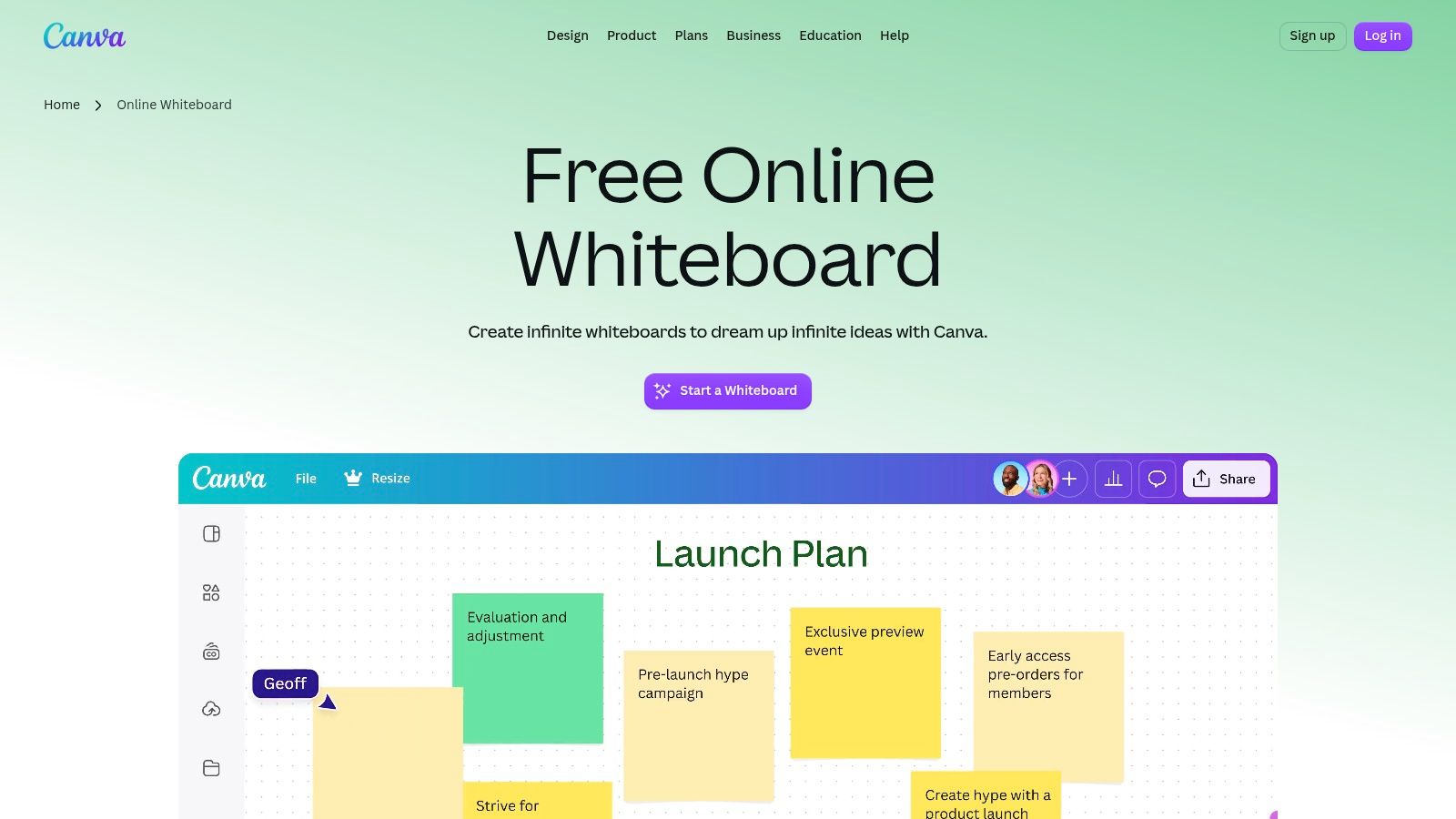
A campaign team may need a board that becomes a clear presentation, not a long-lived product workspace. Canva Whiteboards combines an infinite canvas with templates, diagrams, shapes, and Canva's design assets.
Real-time collaboration, comments, reactions, and timers support group work. Teams can also move or expand work between whiteboards and other Canva formats.
Where is the practical advantage?
The main fit is visual communication. A beauty team can collect packaging directions, explain the campaign concept, and prepare a polished summary without treating the whiteboard as a separate presentation exercise.
Canva describes Whiteboards as free to use, although access to particular assets and AI capabilities needs checking. Don't assume every reviewer has the same available tools.
For creative ops, it's useful for briefing and presenting. For remote review, it can gather comments around visual directions. For collaborative merchandising planning, it can communicate the story behind a range.
The limit is the handoff. A polished board doesn't establish a controlled asset-production pipeline or maintain product versions across buyer accounts. Keep approved product information in the appropriate shared system, and label exploratory visuals clearly so nobody mistakes a presentation concept for an approved sample.
7. When is Mural better for facilitated alignment?
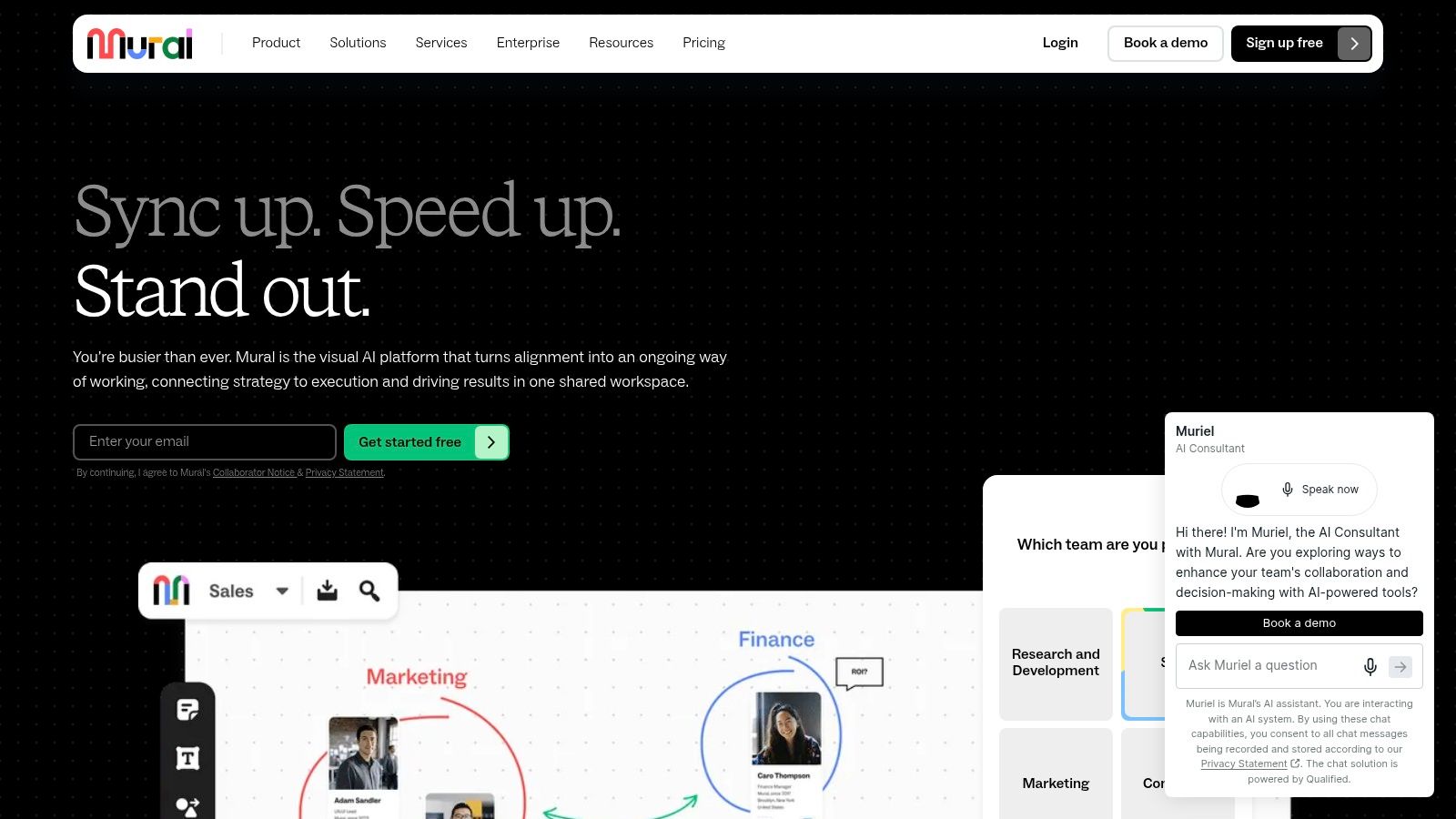
Mural fits a guided session better than a passive announcement wall. Mural combines sticky notes, diagrams, and facilitation tools for workshops, ideation, and planning.
A product development lead could use it to separate concerns about a proposed homeware range into materials, proportions, packaging, and channel fit. The facilitator's job is to stop the discussion becoming an undifferentiated pile of preferences.
- Useful capabilities: Visual organization, guided collaboration, custom themes, and embedding.
- Access consideration: Free access is available, but editing restrictions apply.
- Confidentiality check: Free-plan murals use open rooms; confirm the access model before adding unreleased products.
For a campaign narrative or product-use sequence, a storyboarding approach can make the discussion more concrete. Ask reviewers to identify the frame or step that fails, rather than reject the entire direction.
Mural supports creative alignment, but someone still has to document the approved action and update the product record. Advanced privacy and permission controls depend on the plan.
For remote review boards, choose it when facilitation is the hard part. For merchandising planning, treat the canvas as a place to evaluate options, not as the final source of account-level assortment information.
8. When does Stormboard help turn discussion into actions?
Stormboard is worth considering when the meeting output needs to be more useful than a screenshot. Its sticky-note workspace supports content capture, grouping, voting, tasks, and timers, with reporting and export options on eligible plans.
For a cross-functional sample review, separate observations from decisions. A comment about a garment's hand feel isn't the same as an instruction to change its fabric.
What should the team take away?
A workshop needs an actionable record. Stormboard's reporting orientation fits teams that want summarized outcomes and next steps in common office formats.
Business and Enterprise offerings add team controls and integrations, while paid team access uses a per-user model. Check the features your actual participants need rather than choosing a subscription around the facilitator alone.
A broader creative project management tool comparison is useful if the problem is tracking work after the session. A workshop tool and a project-management system solve different parts of that process.
Stormboard isn't the simplest choice for community notices or a persistent inspiration library. It also doesn't make a product image into a governed catalog record.
For creative ops and remote review, its fit is structured capture and follow-through. For merchandising, use its outputs to document decisions, then maintain the commercial assortment in the appropriate system.
9. When should GroupMap structure product feedback?
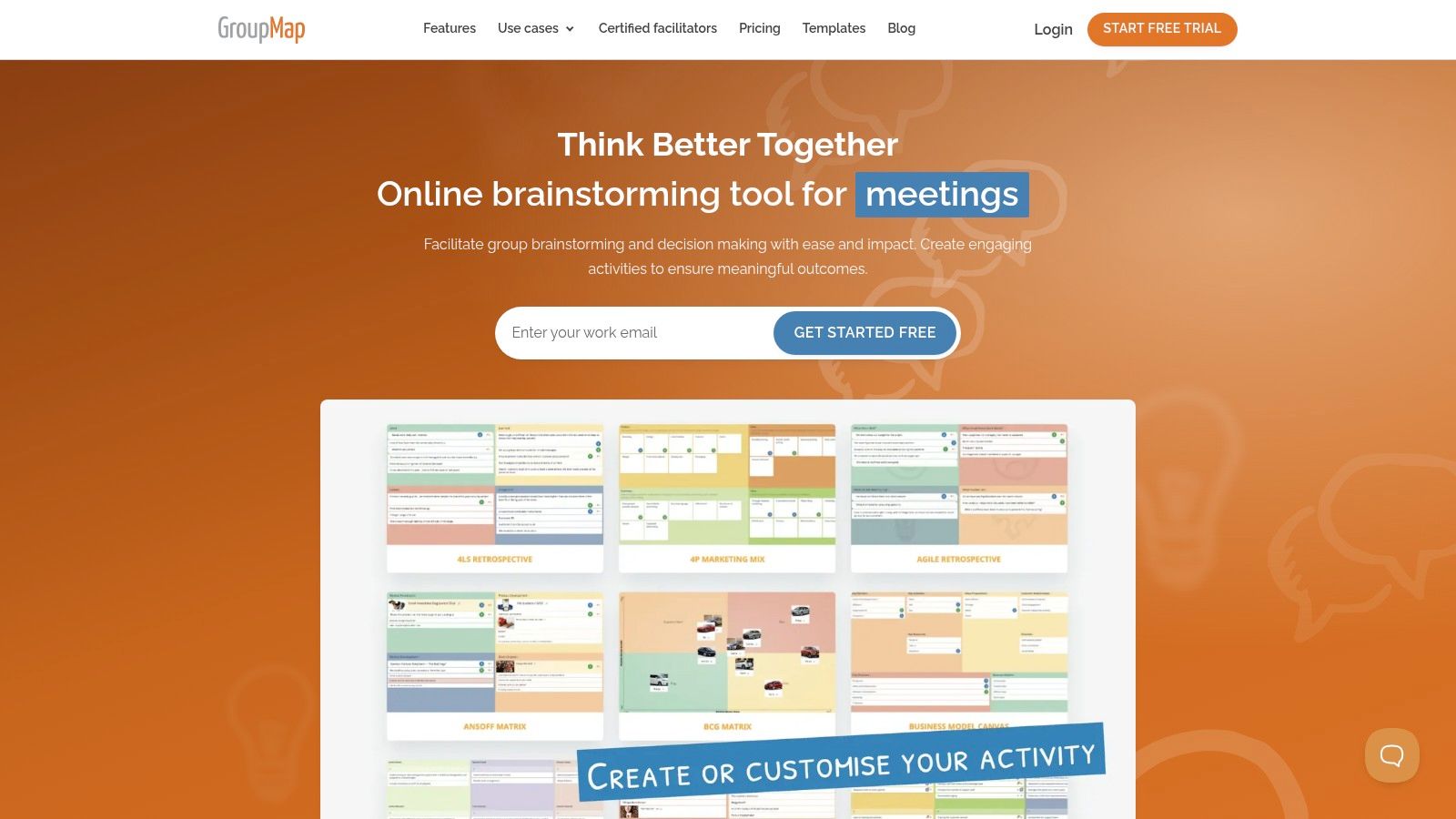
If senior voices dominate line reviews, an open canvas may not fix the discussion. GroupMap offers configurable activity stages for brainstorming, grouping, voting, rating, and action planning.
Facilitators can control the sequence instead of asking everyone to contribute and prioritize simultaneously. Anonymity options on eligible plans can help separate the contribution from the contributor's position.
Decision discipline: Set the evaluation criteria before participants score the options. Otherwise, they may be answering different questions.
For a handbag range, ask reviewers to assess channel relevance separately from aesthetic preference. Then discuss disagreements before assigning actions.
GroupMap supports reporting and exports, including PDF and spreadsheet formats. Participants don't need a paid license to join a map, but organizers should weigh subscription costs against how often they run structured sessions.
Its strength is also its restriction. A configured activity is less freeform than a visual canvas. That's useful for prioritization and less useful for open-ended moodboarding.
For remote reviews, GroupMap suits a defined decision. For creative ops, it helps structure participation. For collaborative merchandising planning, it can rank issues or alternatives, but the team still needs a separate place to maintain approved products and buyer assortments.
10. When is PutBoard the right noticeboard?
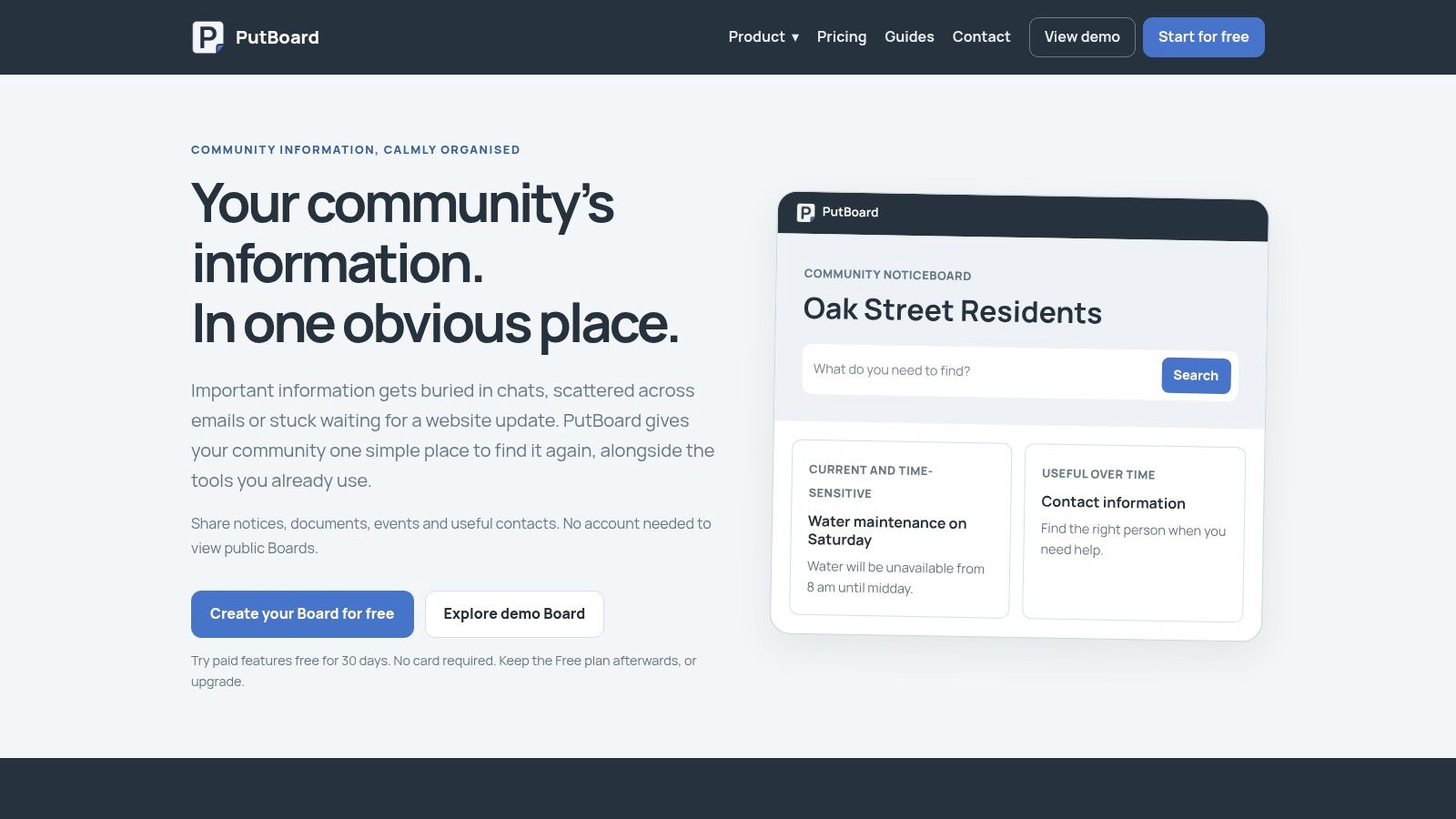
A retail team looking for sample-sale notices, showroom dates, or internal announcements doesn't need an infinite canvas. PutBoard is designed around community information sharing, with pages, posts, and events.
Its persistent noticeboard format is a clearer fit for those jobs than adapting a brainstorming workspace. Search and basic insights help manage the information hub.
Which limits matter?
- Subscription model: Pricing is per board rather than per user.
- Paid capabilities: Password protection and recurring events require paid access.
- Branding and management: Custom branding and shared management depend on the plan.
PutBoard also offers a free plan, while Community Plus includes a custom domain, logo, and colors. Check access controls before publishing employee information or confidential launch details.
It's a noticeboard, not a review room. Don't choose it for detailed sample annotation, exploratory range building, or workshop facilitation.
For creative ops, PutBoard can communicate schedules and notices. For remote review, it can tell people where and when a review happens. For merchandising planning, it can publish supporting announcements, but it isn't the workspace for comparing products or maintaining channel assortments.
That narrow scope is useful when the team needs clear information rather than another collaborative canvas.
11. When does Sprello fit product development and merchandising?
Sprello is an AI workflow canvas for fashion, beauty, and lifestyle brands. It supports product concepting and assortment visualization, helping teams review seasonal lineups, colorways, and size runs in clear, shareable views.
Where does it differ from a bulletin board?
A bulletin board collects posts and feedback. Sprello is built for production workflows: teams can plan assortments, coordinate campaign assets, and create catalog-scale product imagery. Reusable workflow templates and seasonal production dossiers help standardize processes and handoffs across merchandising, design, and marketing.
Its visual canvas supports workflows from concept to campaign across SKUs, channels, regions, and seasons. Brand guardrails and style guidance help keep assets consistent, while region-aware variations address local market needs. See Sprello for its product description.
The trade-off is scope. Sprello complements PLM and planning suites; it does not replace them. It does not provide tech packs, BOMs, pattern making, demand forecasting, or open-to-buy. It also is not a general noticeboard or a workshop facilitation tool.
Choose it when product concepting, assortment visualization, or campaign production needs a repeatable workflow. For remote review boards, its fit is strongest when feedback is part of a wider product or campaign process. For community notices or open-ended workshops, choose a board designed for those jobs.
How each bulletin board online compares on best use, free access, paid plans, and main limitation
Free access varies by tool, from open-ended use to restricted features or demo-led access. Paid plans generally add collaboration, administration, or privacy controls. Use the limitation column to check whether a board supports the job at hand, from collecting notices to reviewing creative work and coordinating product development.
| Item | Best for | Free access | Paid plan notes | Main limitation |
|---|---|---|---|---|
| Padlet | Sharing mixed-media boards and feedback | Free access with limits on board creation | Advanced permissions and organization features are paid | Less suited to managing production steps across a large catalog |
| Lino | Informal brainstorming, reminders, and shared sticky-note boards | Free access; Premium adds storage and advanced capabilities | Premium adds storage and advanced capabilities | Utilitarian interface; some capabilities require Premium |
| Wakelet | Curating and sharing reference collections | Starter plan with limited published collections | Group and Enterprise add shared workspaces and permissions | Less flexible than an infinite canvas |
| Miro | Flexible team brainstorming, moodboarding, and planning | Free plan available | Some templates and administration features depend on plan | Requires setup and governance to keep boards organized |
| FigJam | Collaborative workshops and lightweight creative reviews | FigJam tools are included with Figma account plans | Advanced features and organization-wide controls depend on plan | Not a production-management system |
| Canva Whiteboards | Collaborative ideation and presentation-ready boards | Whiteboards are free to use | Some AI features may not be available to every user | Not a controlled asset-production pipeline |
| Mural | Facilitated workshops, ideation, and alignment | Free access available, with editing limits | Premium adds advanced privacy and permission controls | Free murals are in open rooms |
| Stormboard | Idea workshops with grouping, voting, and reporting | Personal access available without a credit card | Team access is priced per user; Business adds templates and integrations | Better for workshops than simple community notices |
| GroupMap | Structured brainstorming, prioritization, and decision-making | Participants can join without a paid license | Paid subscriptions may be costly for occasional individual use | Less freeform than a visual canvas |
| PutBoard | Community announcements, events, and notices | Free plan available | Paid plans add password protection, recurring events, branding, and shared management | Focuses on notices rather than visual collaboration |
| Sprello (recommended) | Fashion, beauty, jewelry, and home product visuals, merchandising, and buyer assortments | Access begins with a demo request | Sold through a demo rather than self-serve sign-up | Complements rather than replaces PLM and planning systems; not a general noticeboard or workshop tool |
For announcements, PutBoard keeps the job focused on notices. Wakelet organizes references, while Padlet and Lino support informal contributions. Miro, FigJam, Canva Whiteboards, and Mural provide visual spaces for workshops and reviews, but they do not manage production across a product catalog. Stormboard and GroupMap add structure for grouping ideas, prioritizing, and recording decisions.
Sprello serves a different workflow: product visuals connect to merchandising and buyer assortments, with access starting through a demo. Its limitation is equally specific. It complements PLM and planning systems rather than replacing them, and does not function as a general-purpose noticeboard or workshop canvas.
How should you match a board to creative ops, review, and merchandising work?
Choose the tool by the output your team must produce. PutBoard fits announcements, Wakelet fits curated references, and Padlet or Lino can handle informal contributions. Miro, FigJam, Canva Whiteboards, and Mural suit visual collaboration, while Stormboard and GroupMap emphasize structured outcomes.
Sprello fits when product visuals must connect to a catalog, line review, wholesale line sheets, and buyer assortments. Keep PLM and planning systems alongside it.
Test any option with a real review cycle before committing. Include a revised visual, an external participant, an unresolved comment, and a final decision. Check permissions, storage, exports, and what happens when someone leaves the team.
The operating model matters as much as the interface. SSRS's discussion of online bulletin boards explains the value of asynchronous participation, but your team still needs decision rights and a final action record. For the wider handoff between briefs, assets, and delivery, AdManage's guide to creative asset management provides a related planning perspective.
Which bulletin boards online have free plans?
Padlet, Wakelet, Mural, PutBoard, and other options offer free access with restrictions. Check creation limits, editable boards, storage, guest access, and privacy before using a free workspace for live brand work.
How should remote review boards be governed?
Assign a moderator, a decision owner, and an owner for the final record. Require product identifiers and version labels, restrict confidential content, and review permissions when employees or agencies change roles.
Which tools suit collaborative merchandising planning?
Workshop canvases help teams discuss range structure and alternatives. Sprello fits visual product development connected to the shared catalog and buyer assortments, while planning suites remain responsible for their planning functions.
How does Sprello fit alongside PLM?
Use Sprello for AI product visuals and the connected merchandising workflow described above. Keep PLM for its existing product-development responsibilities; Sprello doesn't replace tech packs, BOMs, or pattern making.
What limits should you check first?
Start with private access, guest permissions, storage, version identification, and export options. Then test whether the approved decision reaches the next person without requiring them to interpret an entire board.
Sprello connects AI product visuals with a shared catalog, line review, wholesale line sheets, and separate buyer assortments. If your review boards collect feedback but leave merchandising handoffs unresolved, visit Sprello to book a demo and see how those outputs work together.
Related
More to explore
Fresh reads
Requirement Document Template: 10 Picks for Fashion Teams
Compare 10 requirement document template options for PRDs and BRDs, with fit notes for fashion, beauty, jewelry, and home brand merchandising and design teams.

Analogous Color Scheme: How to Build One for Fashion
An analogous color scheme uses three to five neighboring hues in a 30 to 60 degree arc. Learn to build, test and apply one across SKUs and channels.

Sapphire Blue Color: Hex, RGB and Palette Pairings
Sapphire blue color is #0F52BA, or RGB 15, 82, 186. Learn how to define it, pair it in palettes and specify it for fashion, beauty and home campaigns.